
Generate Multiple AI Room Designs from One Photo
Compare eight interior design styles on the same room photo, from Scandinavian to art deco. Copy a prompt that holds the room and viewpoint steady.
Open this exampleOne empty living room in eight interior styles
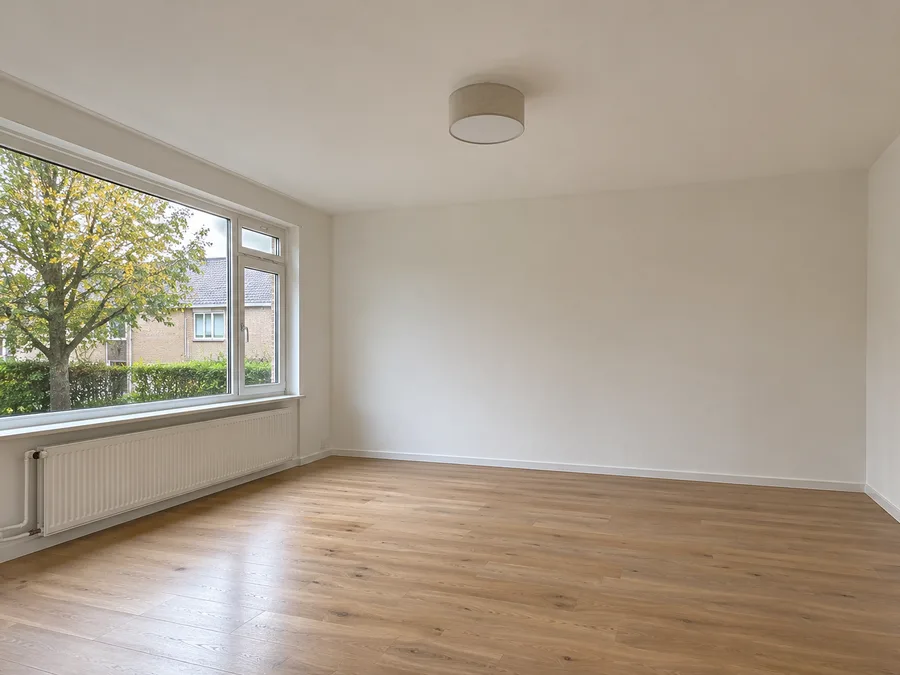
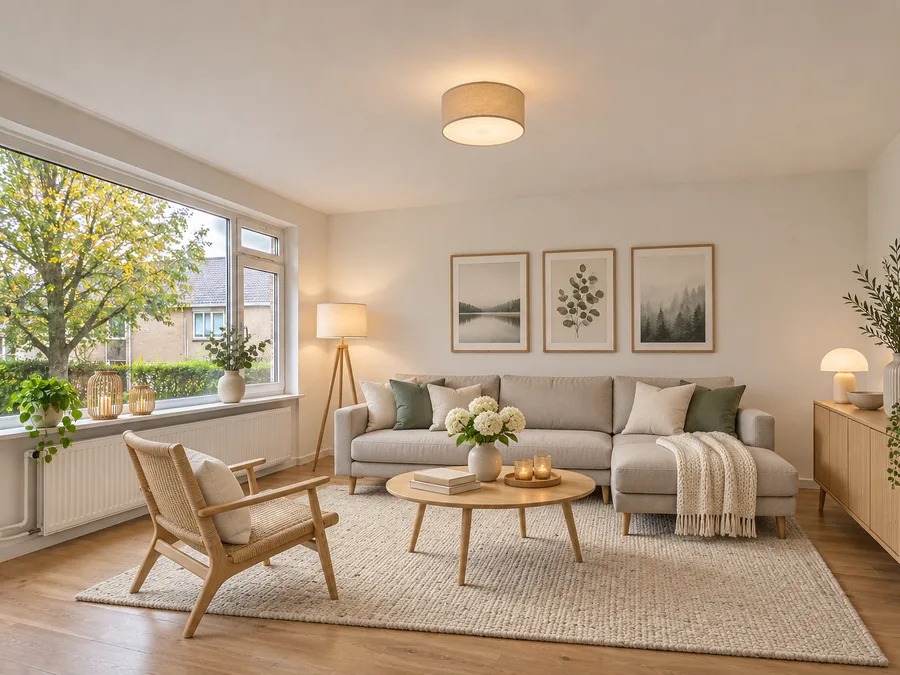
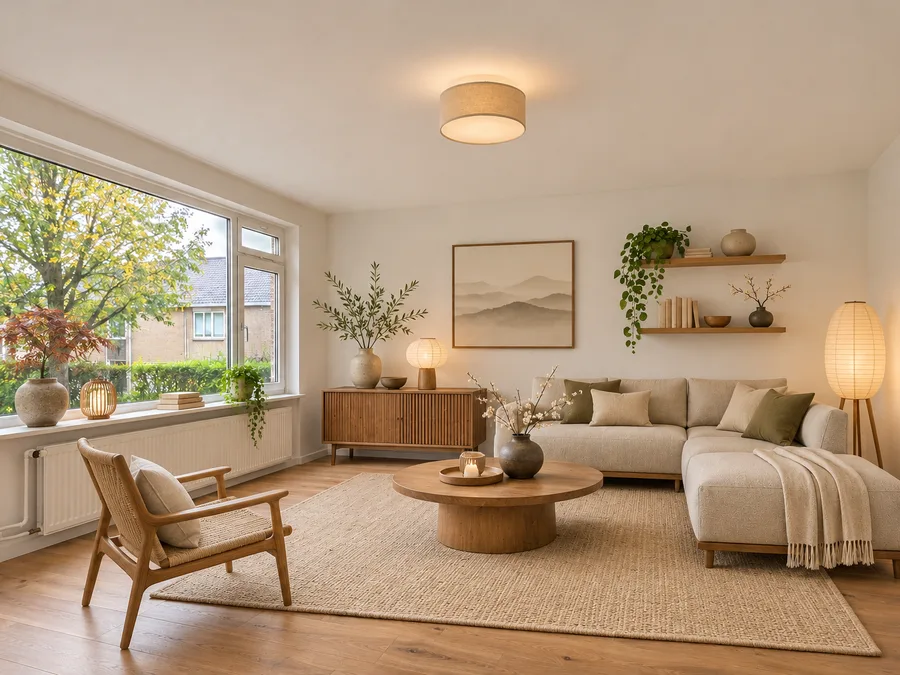
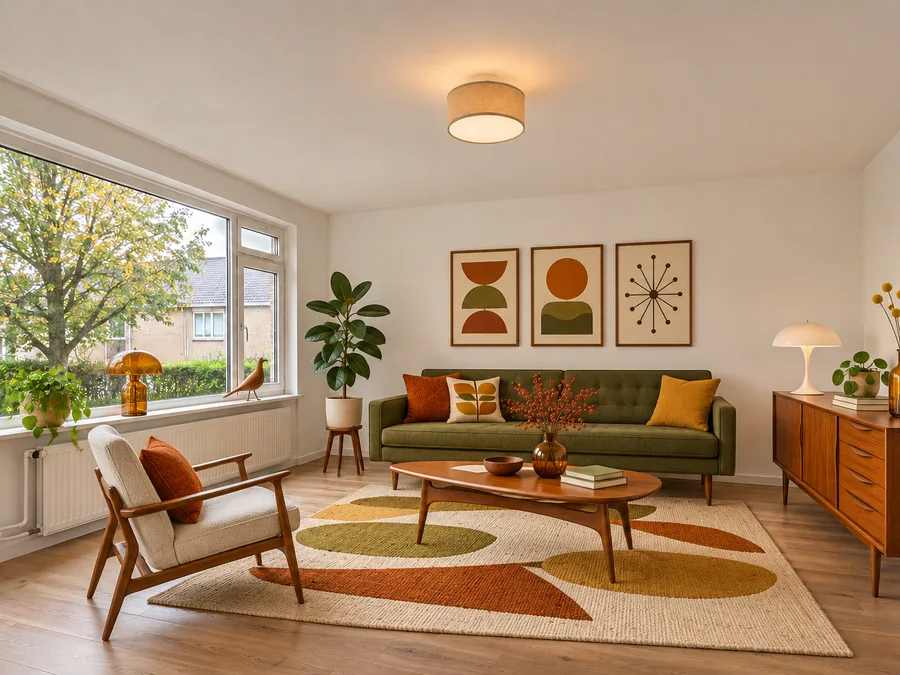
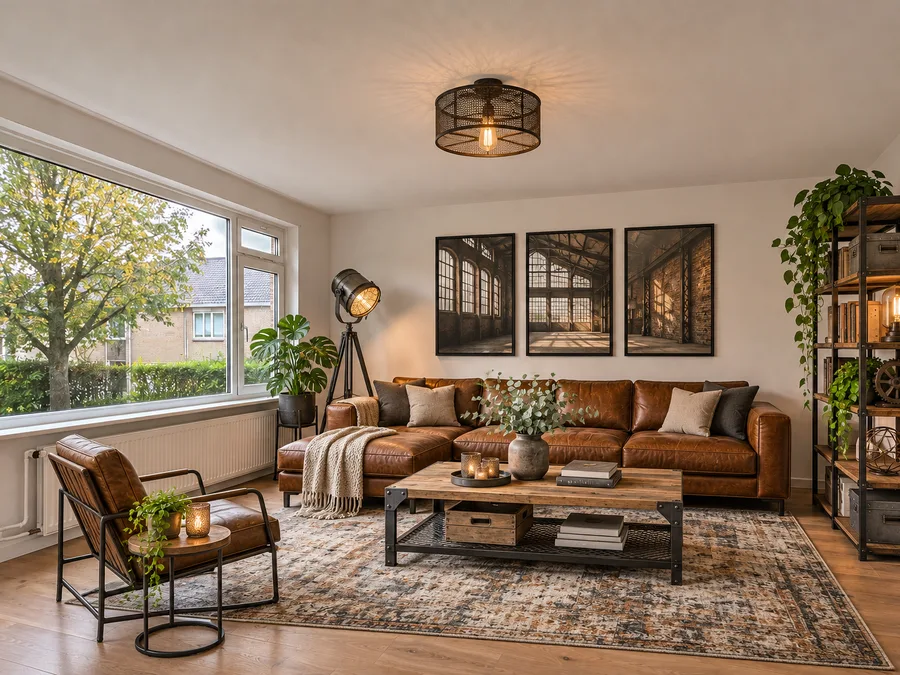
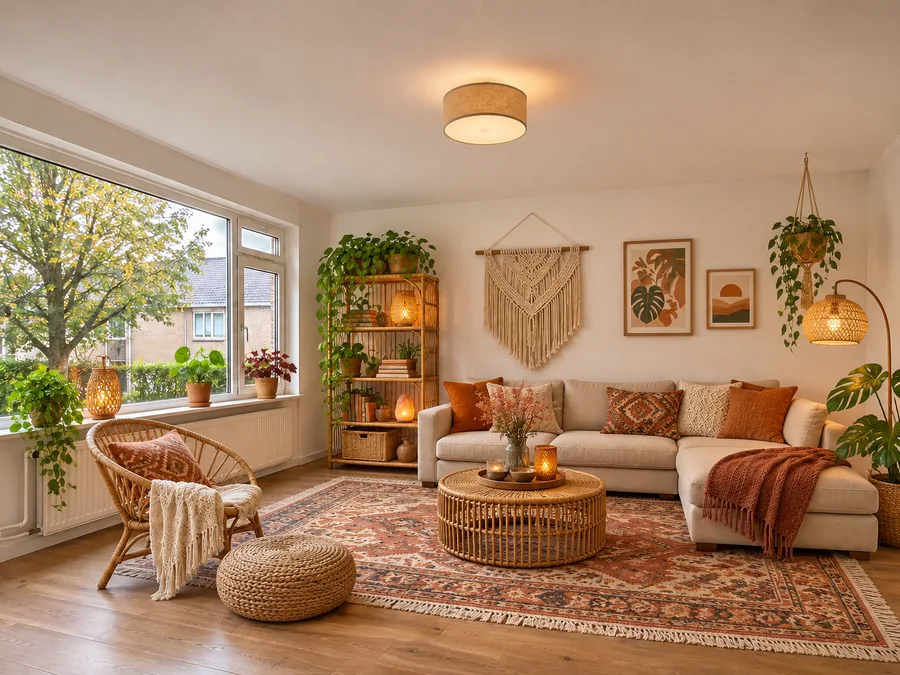
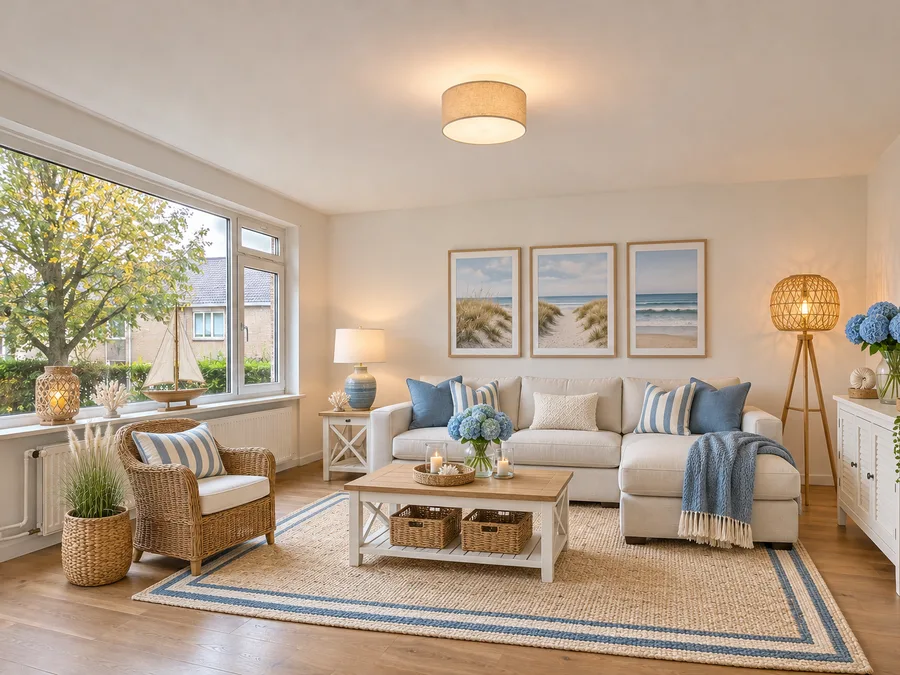
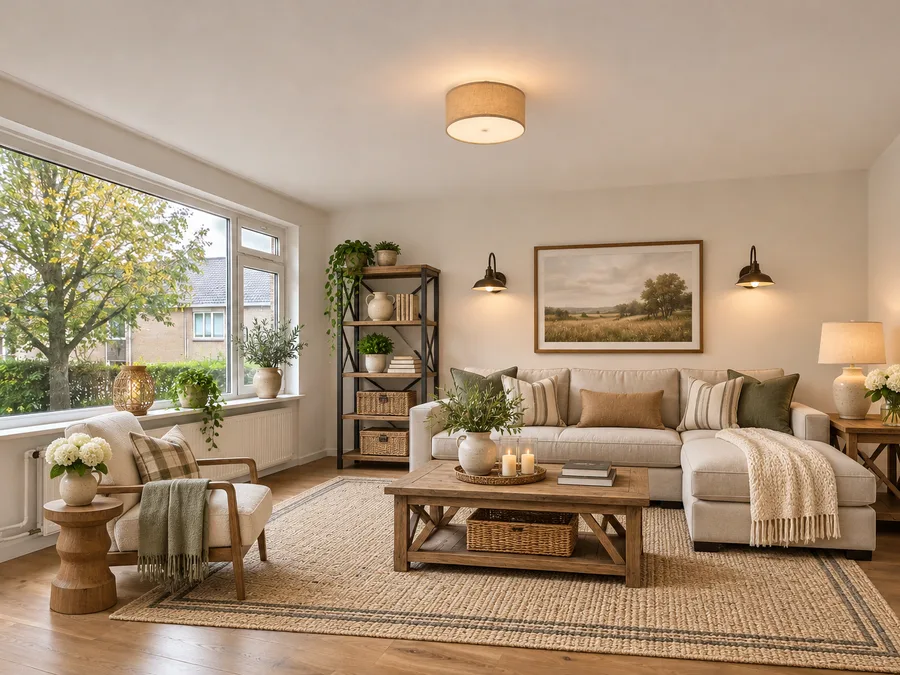
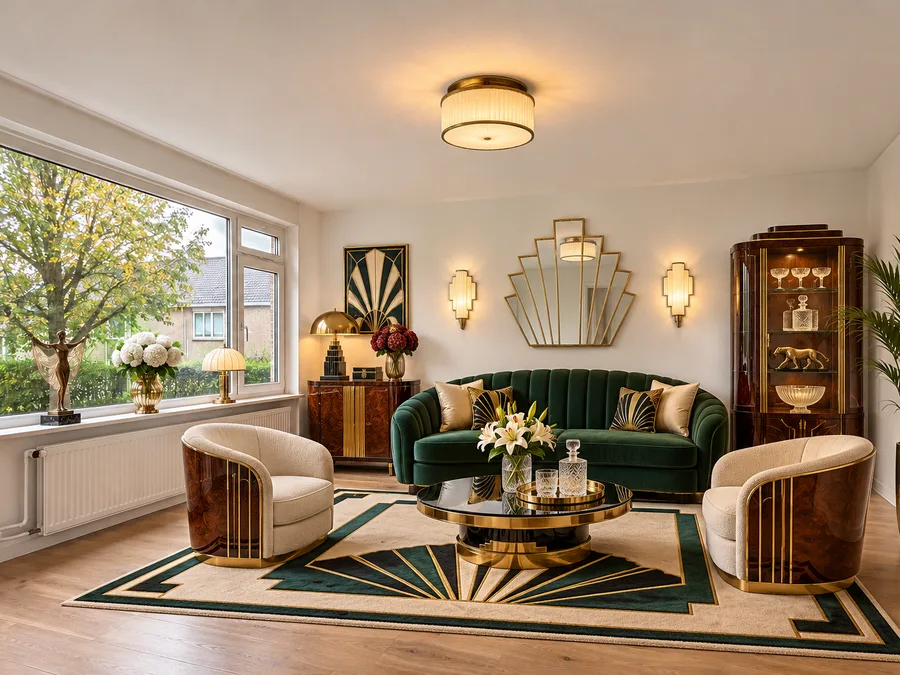
Prompt to copy
Furnish this room in {interior style}. Choose furniture, a rug, lighting and decor in that style. Keep the same walls, windows, doors, ceiling, floor and camera angle. Use realistic scale and leave a clear walking path.
How to make your own
Use one clear photo of the room
Capture the floor, window and doorway from one useful viewpoint. Keep that photo as the reference for every version so the different layouts can be compared.
Define the styles you want to compare
Upload the photo to the Image Variations Generator. List a few clear styles and tell the tool to change the soft furnishings, lighting and palette while preserving the room structure.
Shortlist ideas that fit the space
Preview two contrasting styles first. Compare furniture scale, clearance and the use of daylight, then add the remaining designs.
What to check in your results
- Compare each result with the empty photo. Look for moved windows, blocked doors and furniture that crowds the walkway.
- Measure the real room and furniture before buying pieces or making construction decisions.
Frequently asked questions
Can I keep my floor and window placement?
Specify the fixed surfaces and openings in the prompt and compare each result against the reference. The images are visual concepts, so check the actual room dimensions separately.
How should I handle several different rooms?
Use one room at a time to compare styles. The bulk virtual staging workflow is designed for applying a shared style to a set of different room photos.