
Bulk Generate AI Virtual Staging for Empty Rooms
Stage multiple empty rooms from existing listing photos. See how six different spaces take on a coordinated Scandinavian look while keeping the floor plan visible.
Open this exampleSix empty rooms staged in one style
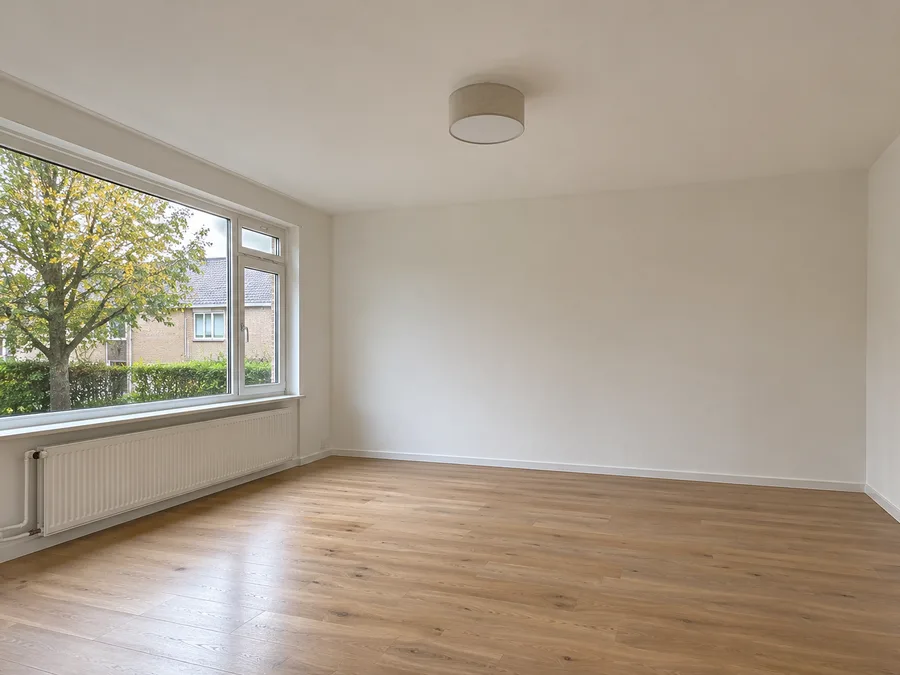
Original
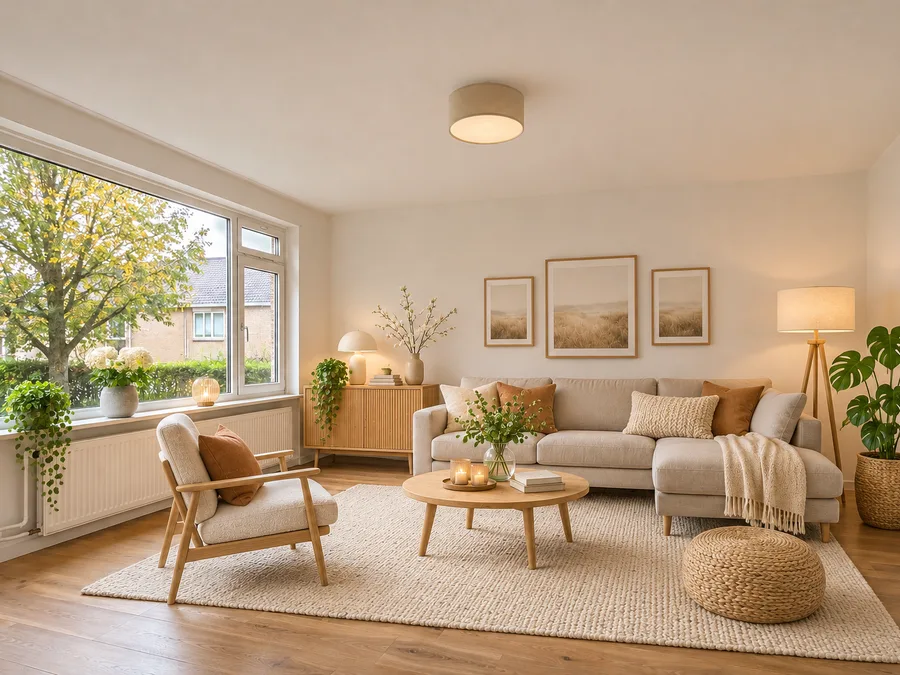
Edited
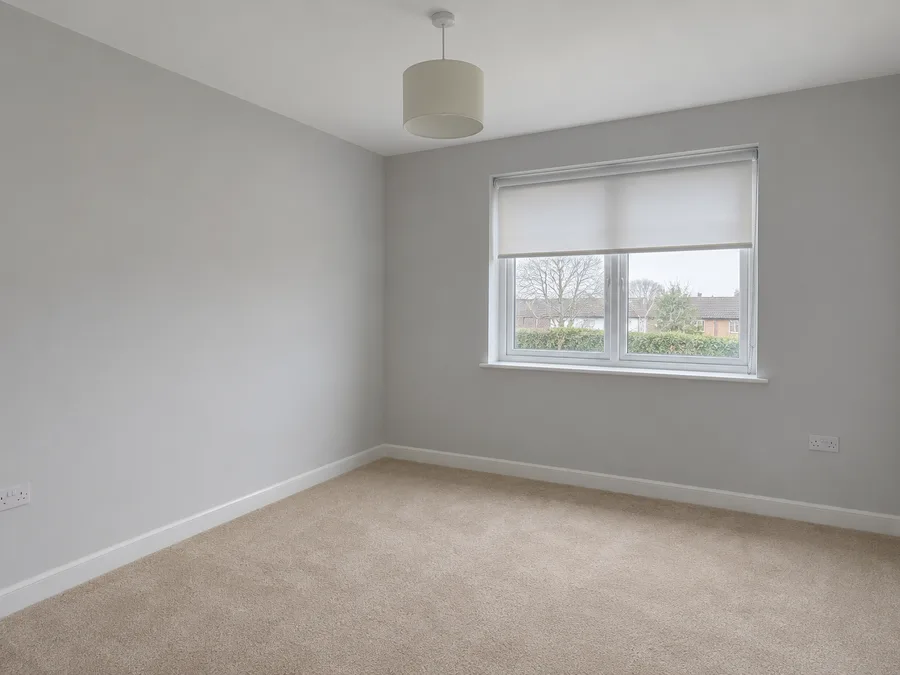
Original
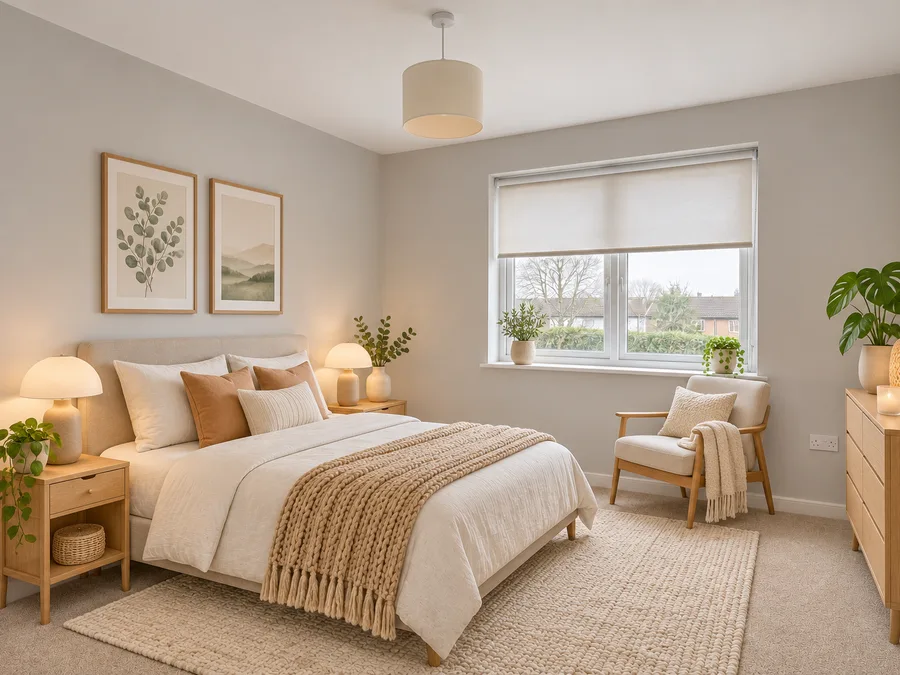
Edited
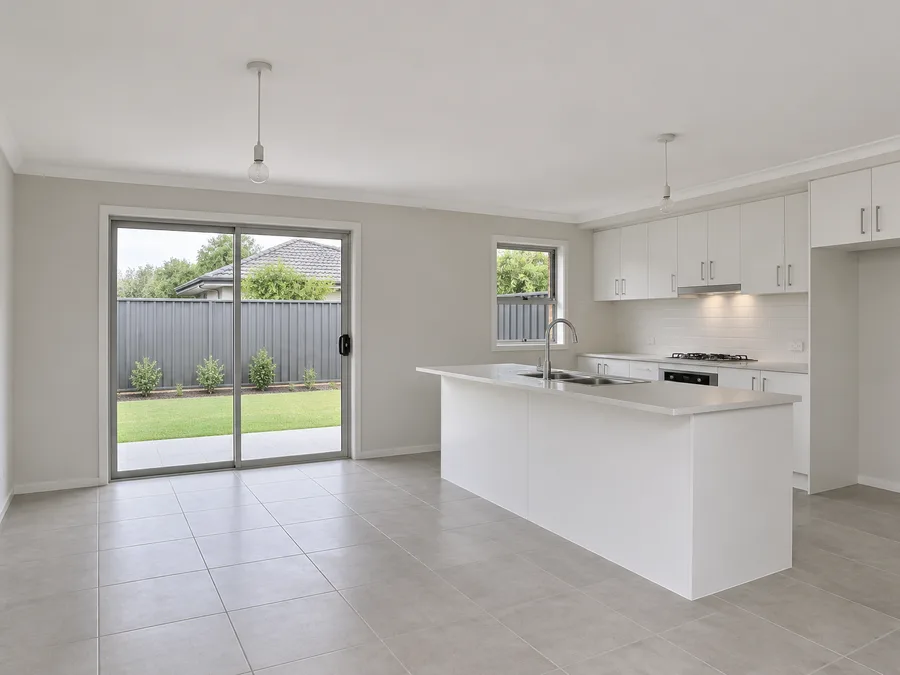
Original
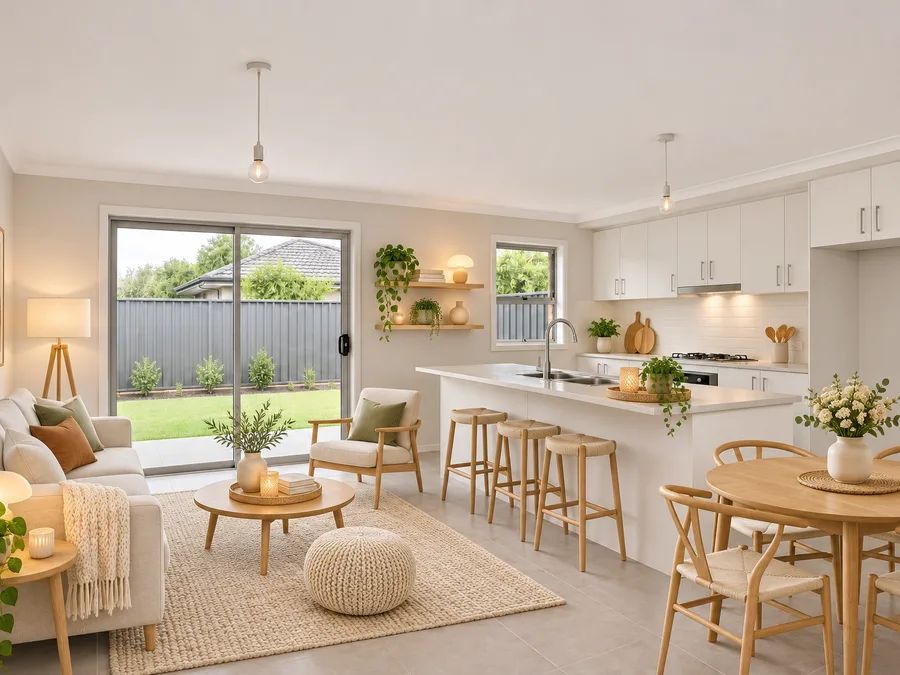
Edited
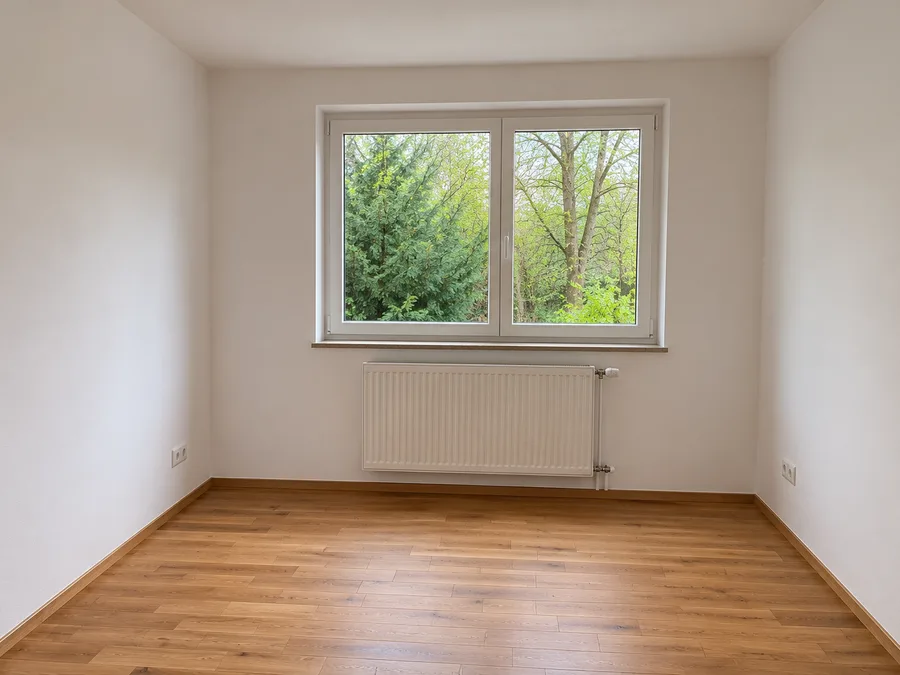
Original
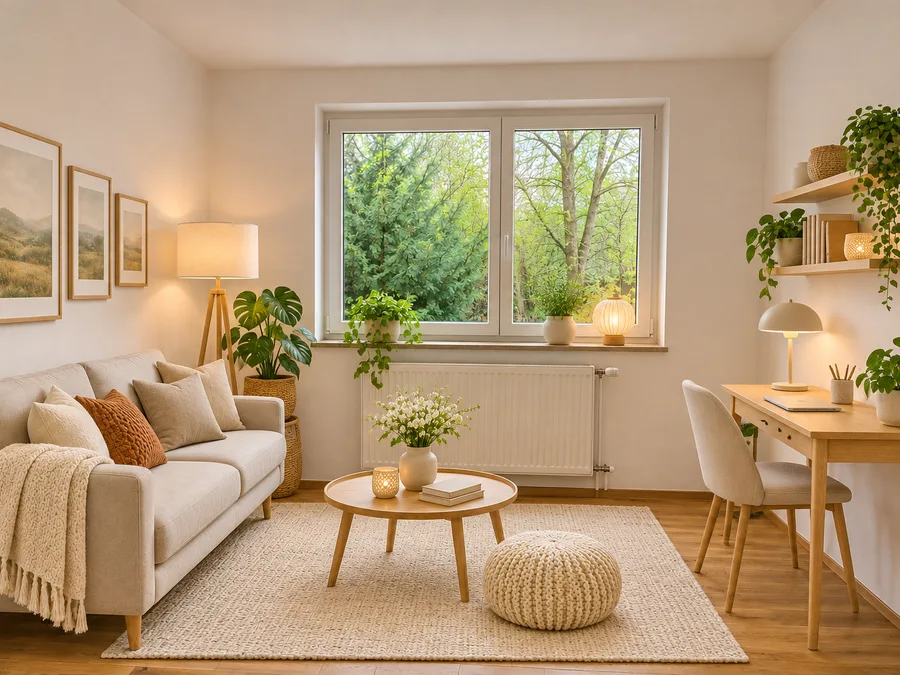
Edited
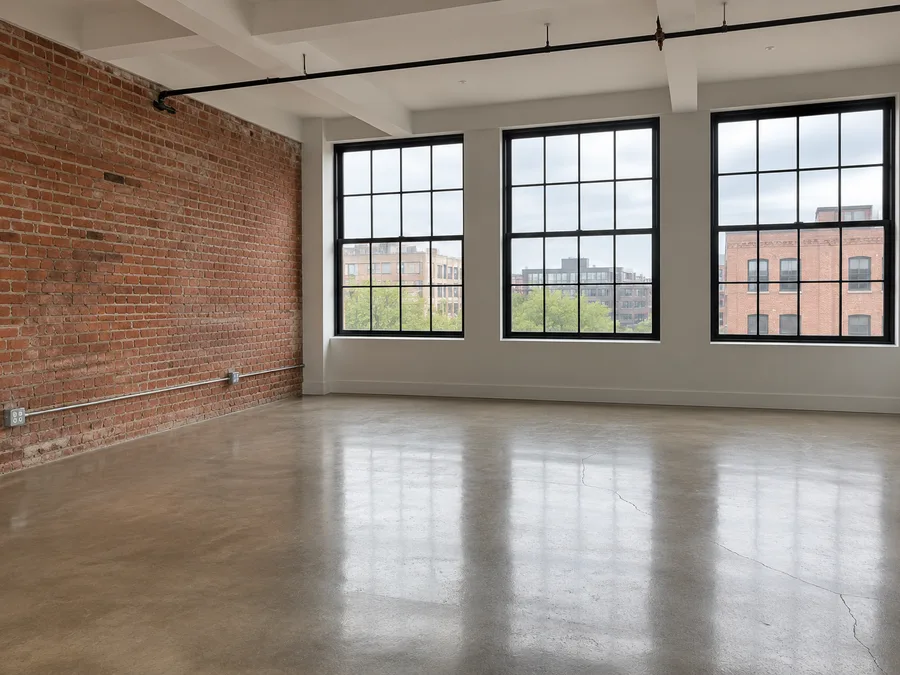
Original
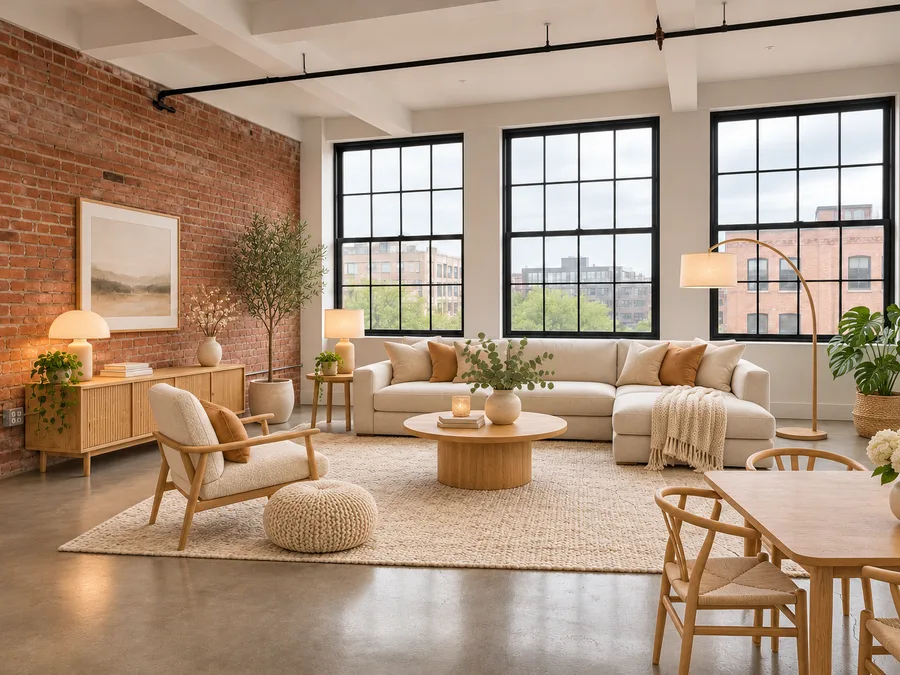
Edited
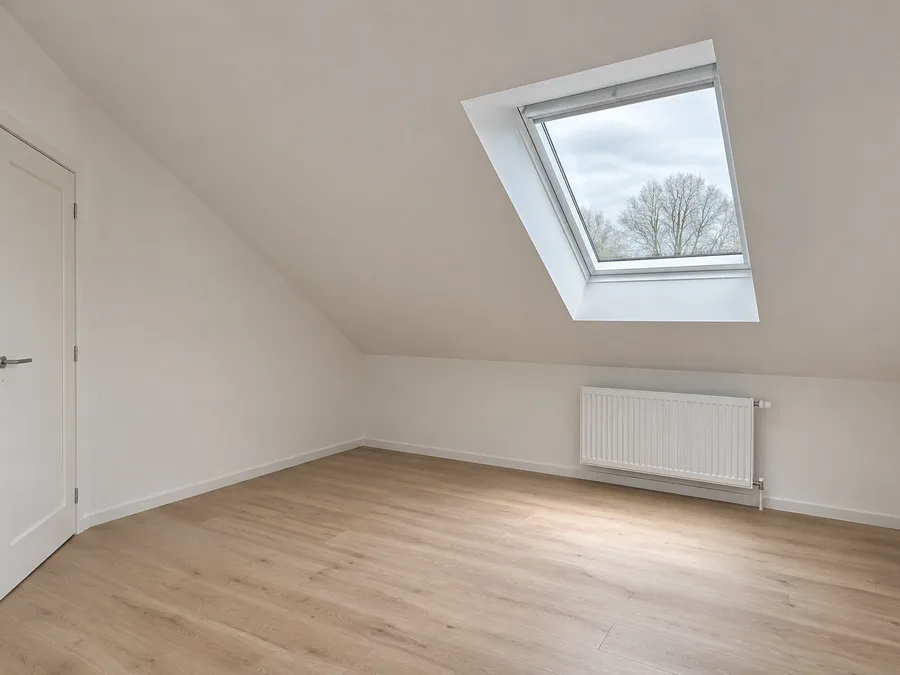
Original
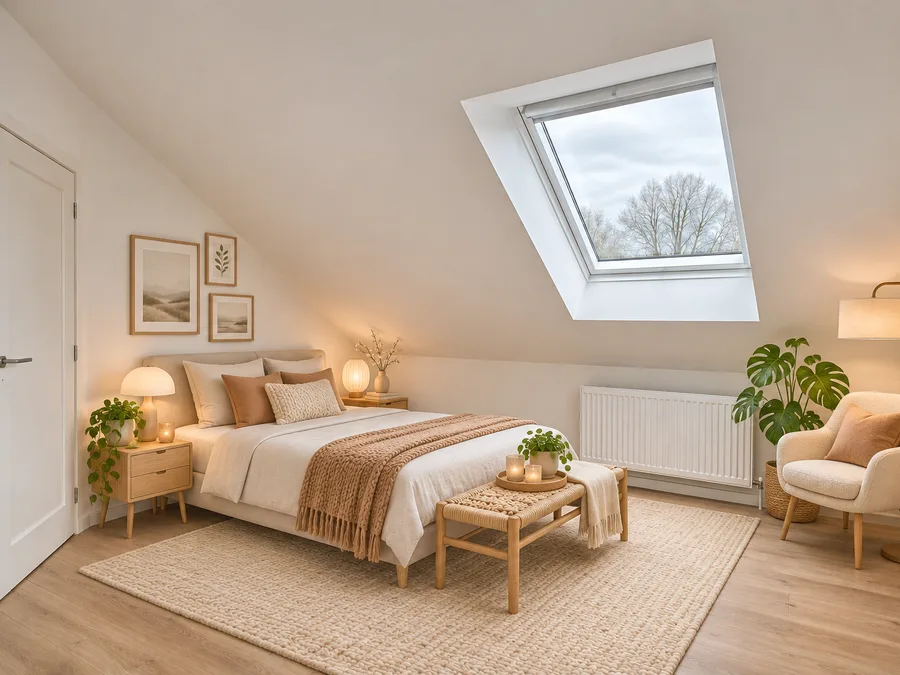
Edited
Prompt to copy
Virtually stage this empty room in a warm Scandinavian style. Add furniture sized to this room’s actual purpose, a rug, simple lighting and restrained decor. Preserve the walls, floor, windows, doors and camera angle. Leave clear walking paths.
How to make your own
Choose a wide photo of each room
Use a level frame with visible walls and openings. Sort spaces by function so bedrooms and offices can get their own furniture instructions.
Reuse a shared staging direction
Apply a common palette and material style in the Bulk Image Editor. Name each room’s purpose if the raw photo leaves it ambiguous.
Check room geometry before listing
Compare the stairs, ceiling, doorways and window placement side by side. Check that seating, beds and rugs fit the available space.
What to check in your results
- Look for blocked doorways, moved windows and furniture that changes the apparent floor area.
- Keep the empty originals and follow your listing channel’s virtual-staging disclosure requirements.
Frequently asked questions
How do I compare multiple styles for one room?
Use the single-room design variations guide. Its workflow holds one reference photo constant while changing the décor style.