
Alternatives · Checked November 25, 2026
Pebblely alternative for bulk AI product photos
Pebblely turns a product photo into styled scenes using ready-made themes, and it is easy to get started with. If you need the same look across a whole catalog, a scene the themes do not cover, or a lower price per image at volume, here is how BulkGenio compares.
The short answer
Choose Pebblely for a simple, theme-based start on a small catalog. Choose BulkGenio when you need your own scene on many products at once, a choice of image models, or a lower cost per image.
BulkGenio vs Pebblely at a glance
| BulkGenio | Pebblely | |
|---|---|---|
| How you pick the scene | Describe it in your own words or pick an AI suggestion made for your photos | Ready-made themes |
| Image models | GPT Image 2 by default; GPT Image 2.6, Nano Banana Pro, Nano Banana 2.1, and Seedream 5.5 also available | Pebblely’s own pipeline |
| Photos per batch | Up to 200 | Plan-based monthly image allowance |
| Price per image | €0.08–€0.09 with GPT Image 2; €0.06–€0.07 with Nano Banana 2.1 | Lite $9 for 30 images ($0.30 each); Basic $19 for 200 ($0.095); Pro $39 for 500 ($0.078), per month |
| Unused images | Credits from one-time packages never expire | Monthly images do not roll over |
| Edits beyond the background | Yes — models, props, lighting, style, anything you describe | Focused on product scenes |
Choose Pebblely if…
- You have a handful of products and like picking from themes
- You want a very simple tool with no wording to think about
Choose BulkGenio if…
- You need one consistent look across dozens or hundreds of products
- Your scene is specific to your brand and not in a theme list
- Volume matters: at 200+ images a month, cost per image adds up
What BulkGenio did with six phone photos
Six ordinary phone photos and one instruction: "Amazon main image: pure white background, square, product centred." These are the example results from the bulk image editor, unretouched.
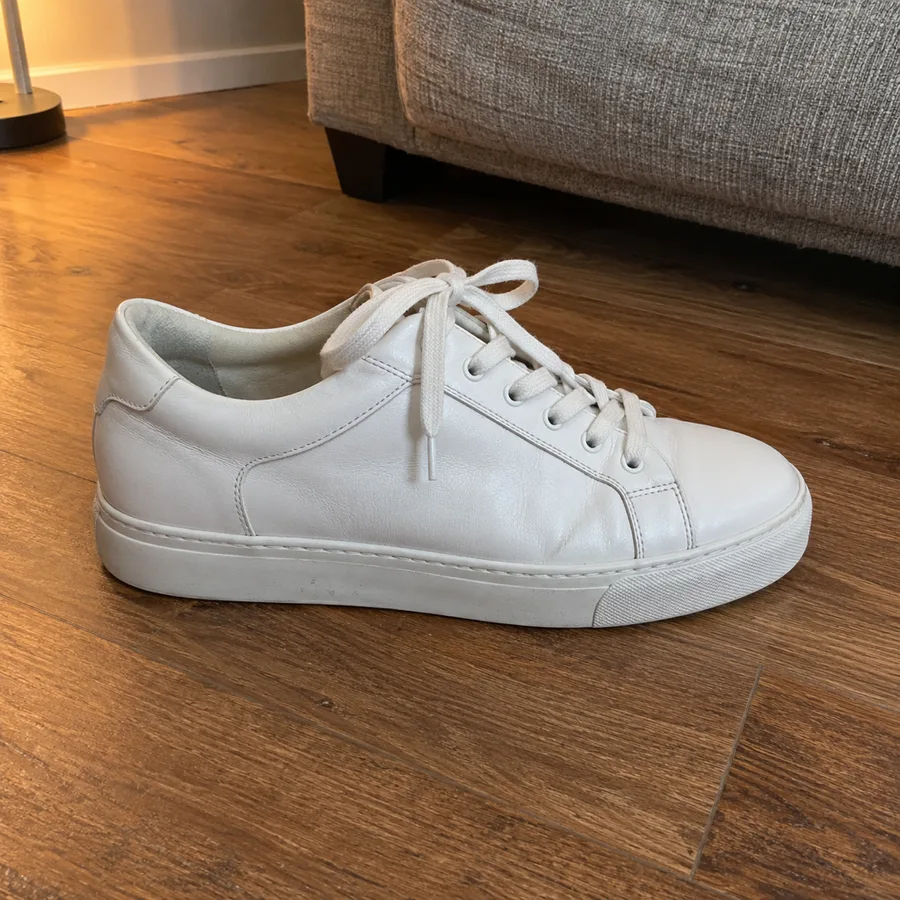
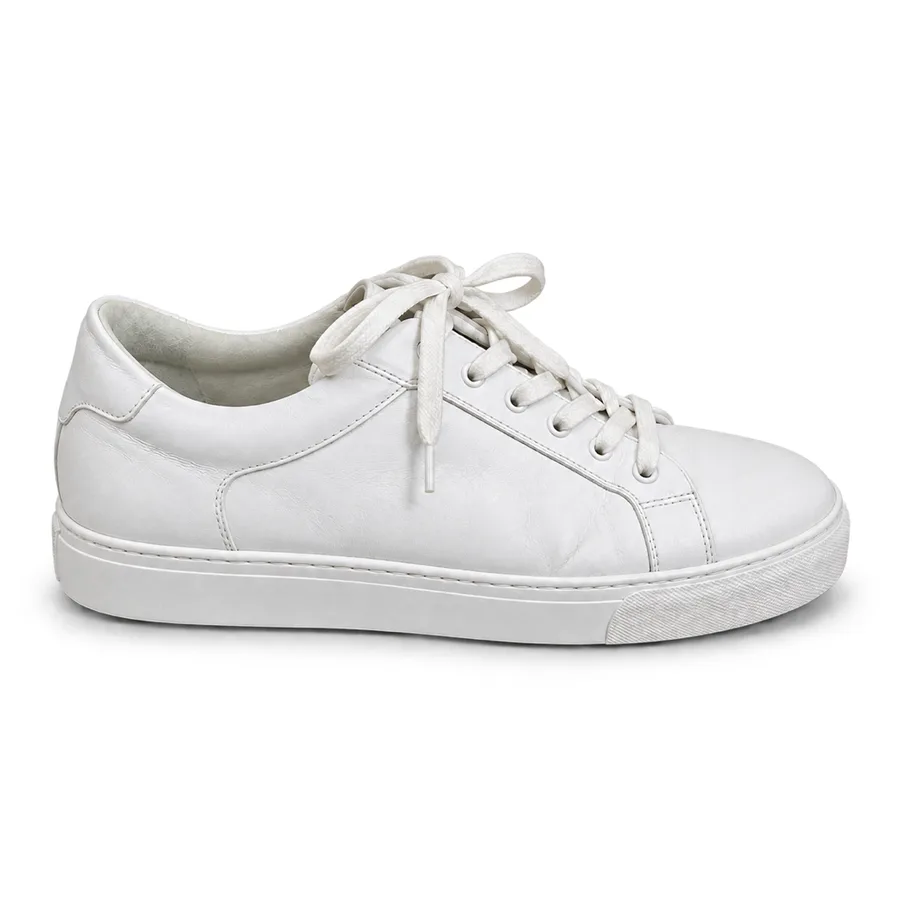
Before → after
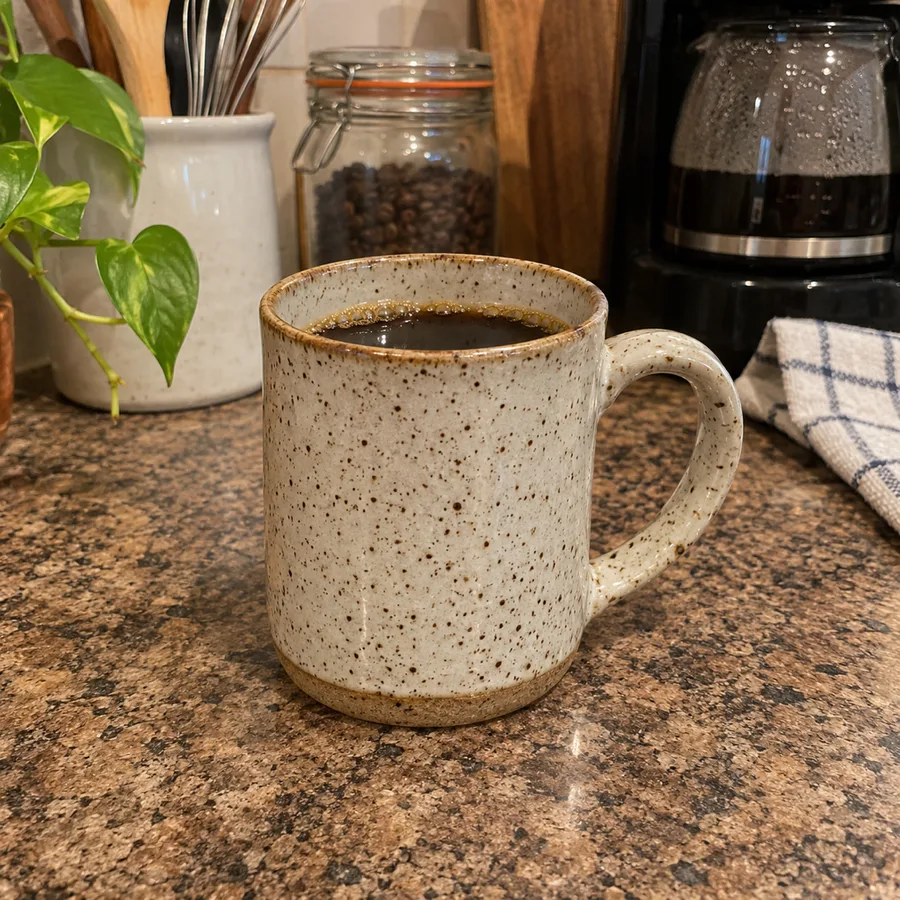
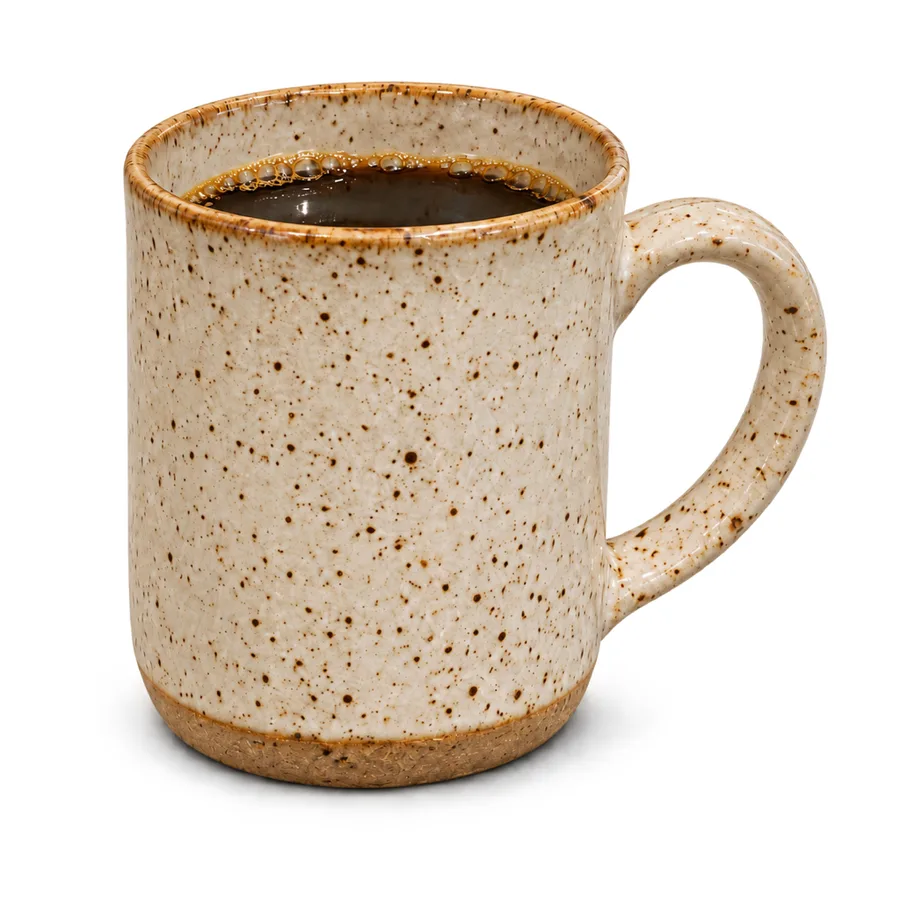
Before → after
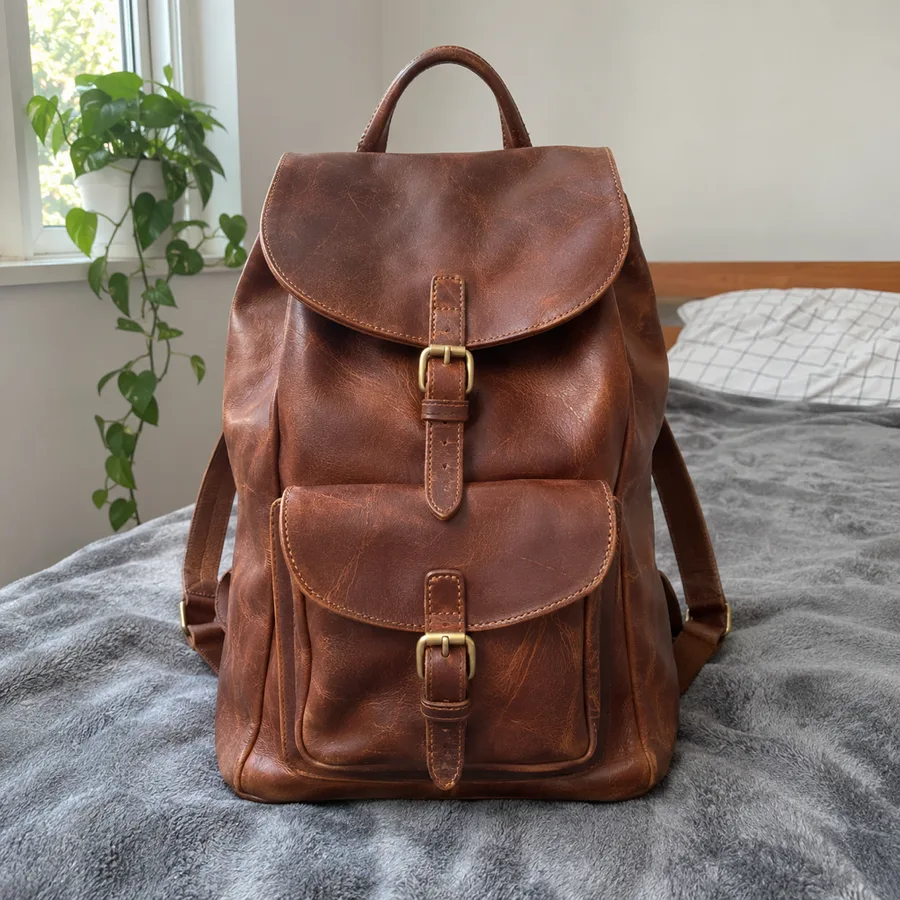
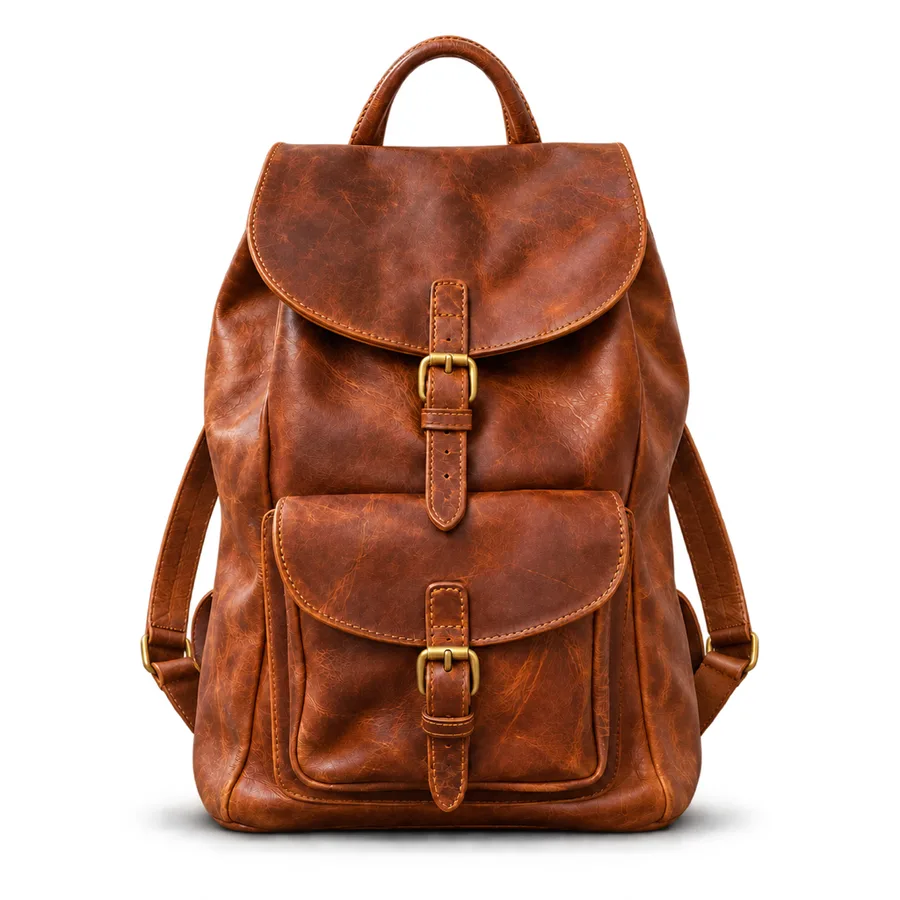
Before → after
Try it on your own photos
Preview 3 images free before running the whole batch.
FAQ
Do I need to write prompts in BulkGenio?
No. Drop your photos and the AI suggests edits made for them; click one, or say what you want in a sentence in any language. The full prompt is written for you.
Can I keep the same background across a whole catalog?
Yes. One instruction runs on every photo in the batch, so the backdrop, surface and lighting stay the same from product to product.
Can I try BulkGenio for free?
New accounts get 20 free credits, enough to preview 3 images with GPT Image 2. The free tools on this site need no account at all.