
Generate Consistent AI Characters Across Multiple Scenes
Take one character reference into five locations and two lighting conditions. See ten robot scenes and copy the prompt template for your own mascot or story.
Open this exampleOne clay robot in five places, by day and at night
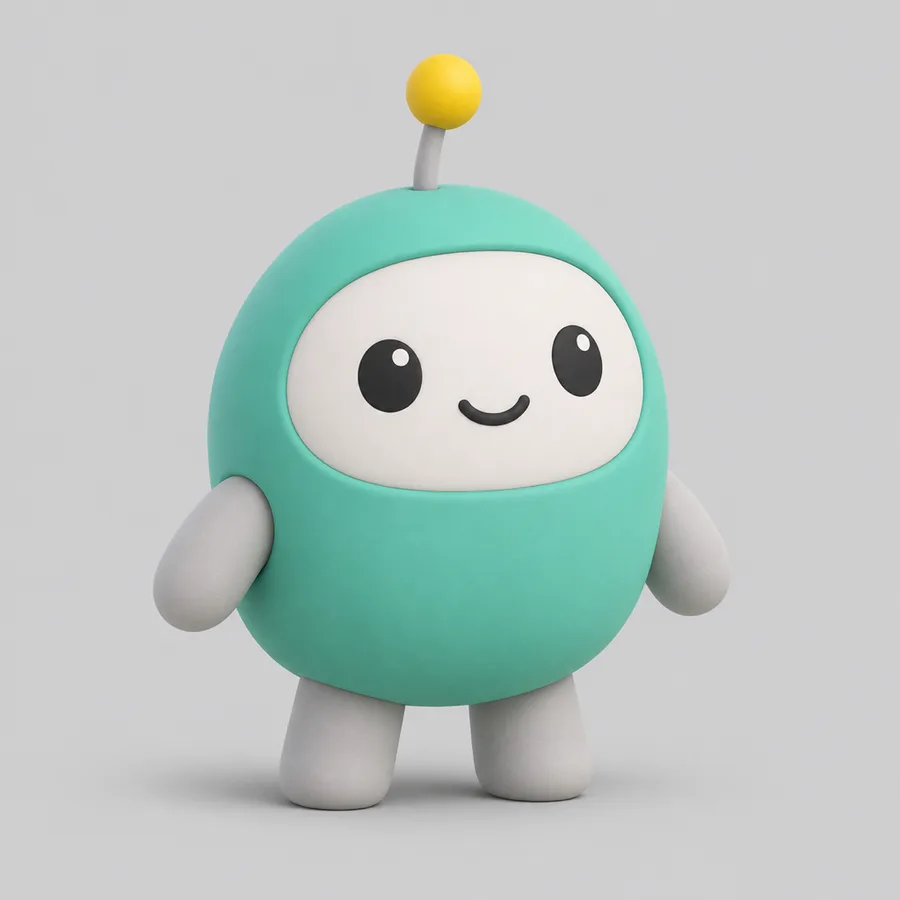
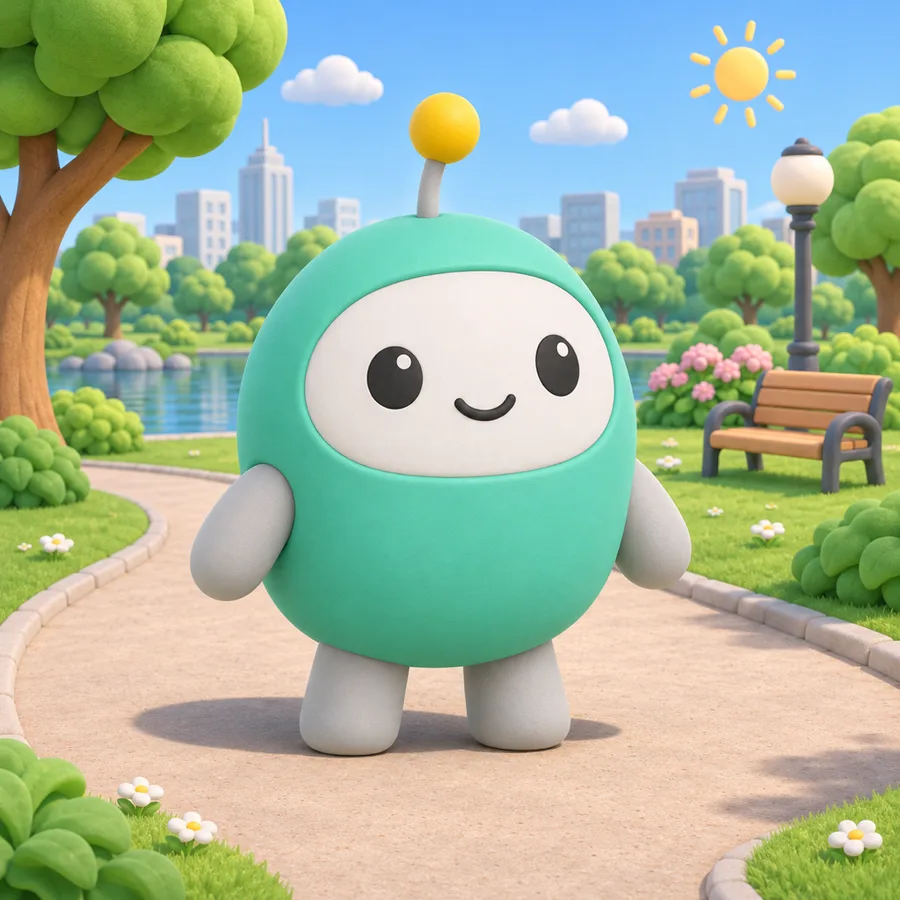
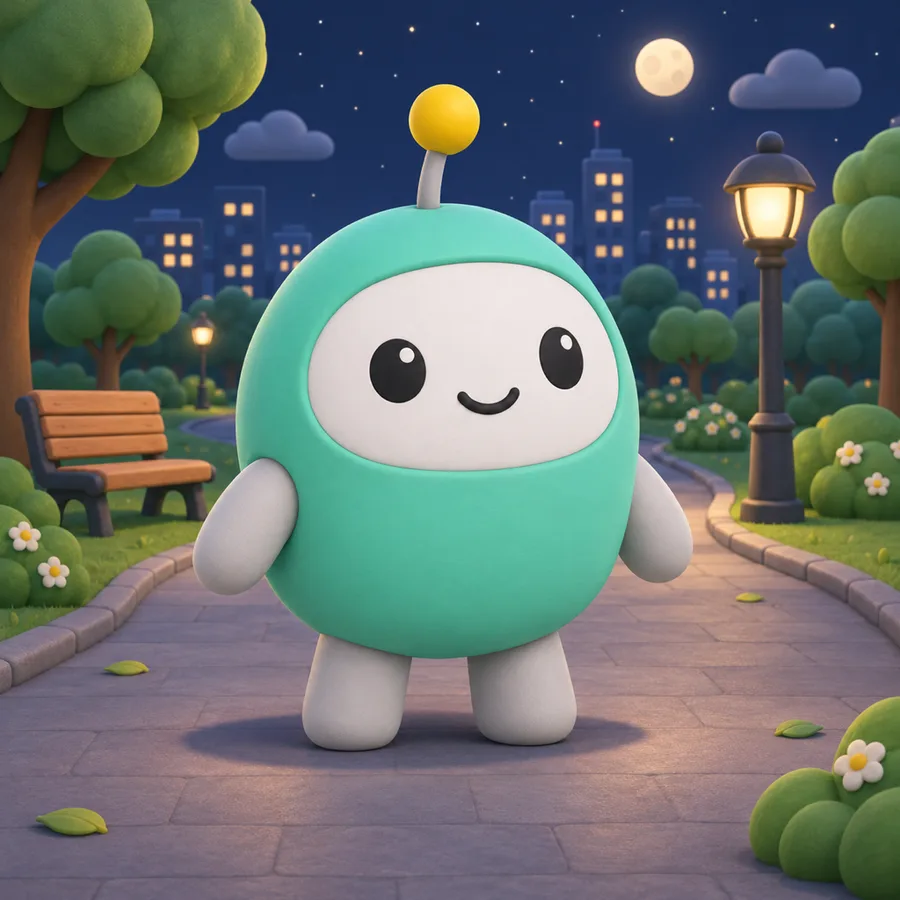


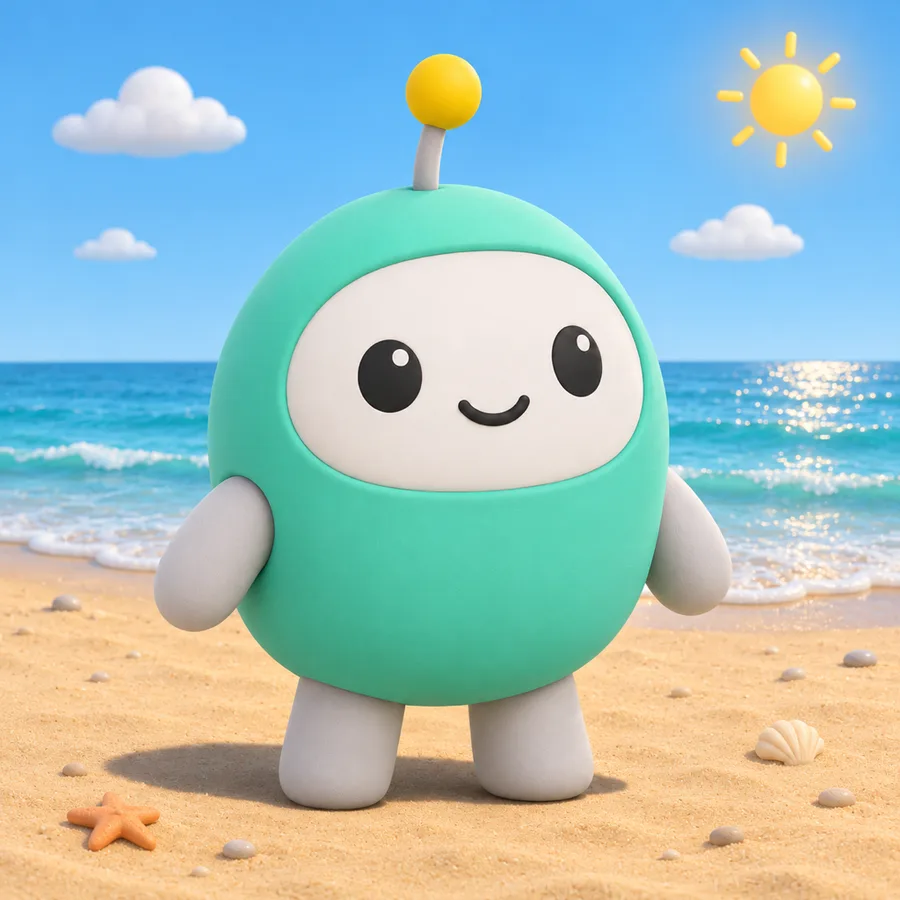
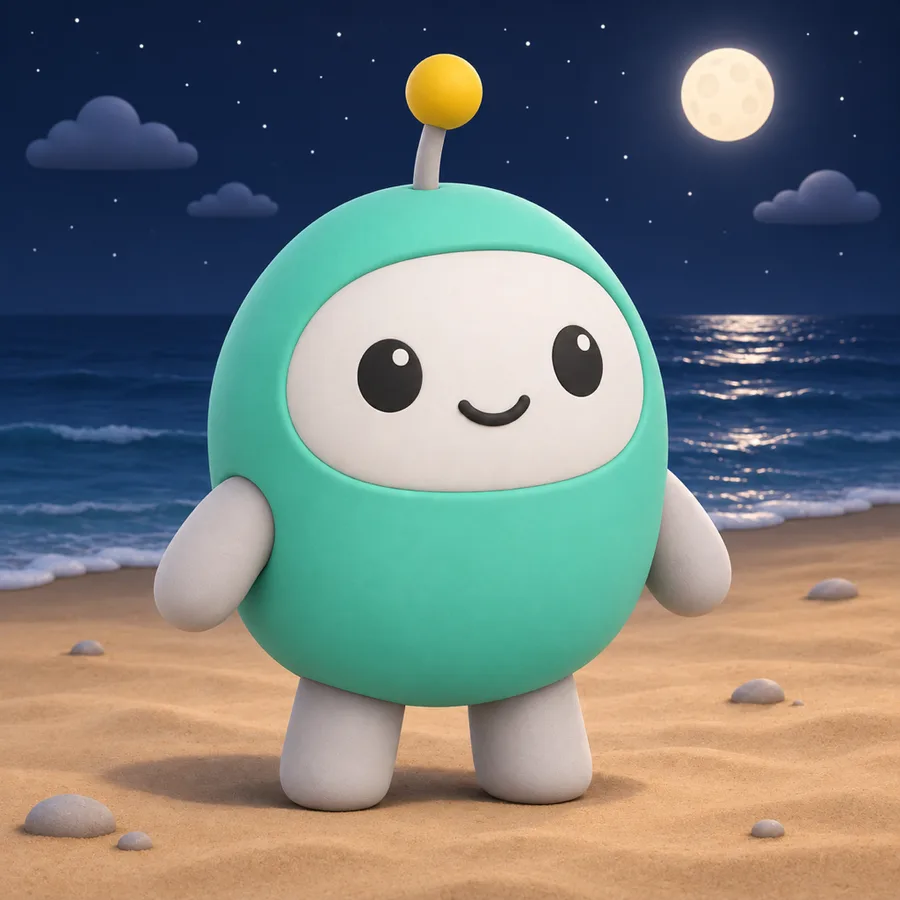




Prompt to copy
Show the same robot character in {location} during {time of day}. Full-body composition in the same soft clay 3D style. Preserve its outline, proportions, face screen, antenna and colors. Change the environment and lighting only.
How to make your own
Choose a character reference
Upload one clear, full-body image to the Image Variations Generator. Include signature features such as a particular antenna, badge or facial shape.
Plan locations and lighting
Replace the example variables with your own values. Ask for five named locations, each in daylight and at night, and check that the plan contains ten combinations.
Check consistency before running the set
Preview a bright and a dark scene. Check the colors, silhouette and face in both, then run the remaining combinations with the same reference.
What to check in your results
- Review the character at thumbnail size and full size. Pay particular attention to its face screen, antenna and body proportions.
- For story sequences, hold camera distance steady at first and introduce new poses only after checking identity.
Frequently asked questions
How do I reduce drift between scenes?
Reuse the same reference each time and spell out two or three traits that should carry through. Preview difficult lighting or poses first.
Can I vary just the scene?
Yes. Use only a location variable and specify fixed lighting and framing. The number of outputs then follows your location list.