
Bulk Generate Restaurant Menu Photos from Dish Photos
Give a folder of existing dish photos the same restaurant menu look. Compare six before-and-after examples and copy the prompt for consistent food photography.
Open this exampleSix dishes with coordinated menu photography
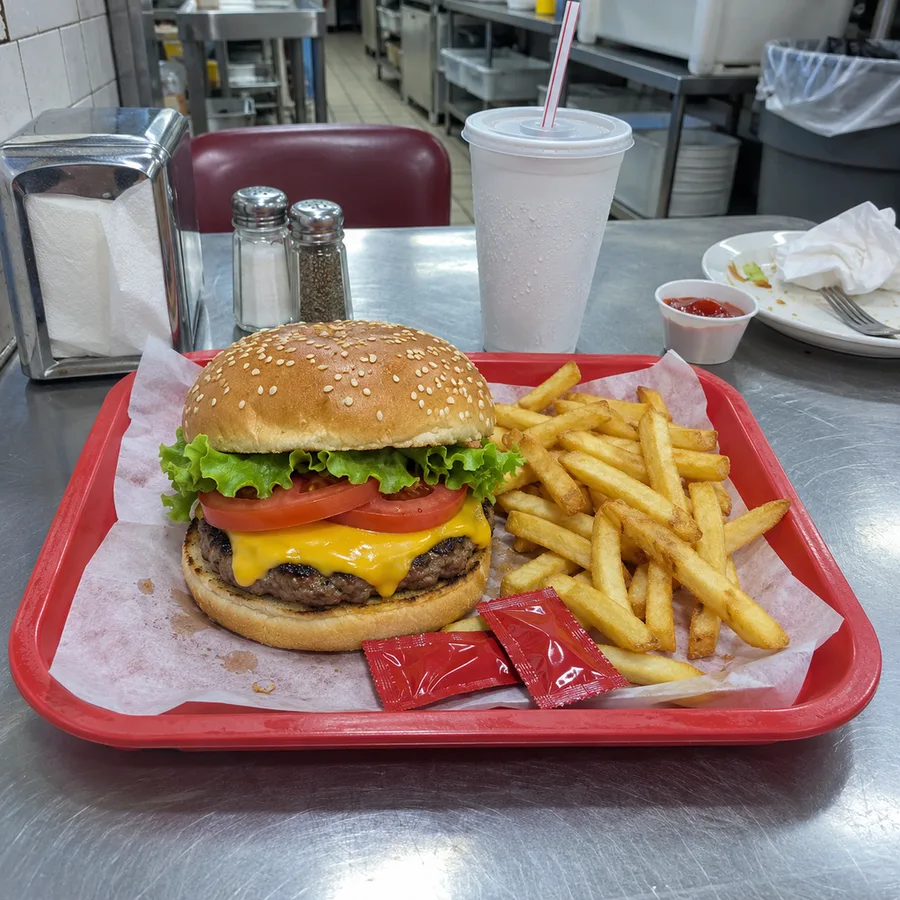
Original
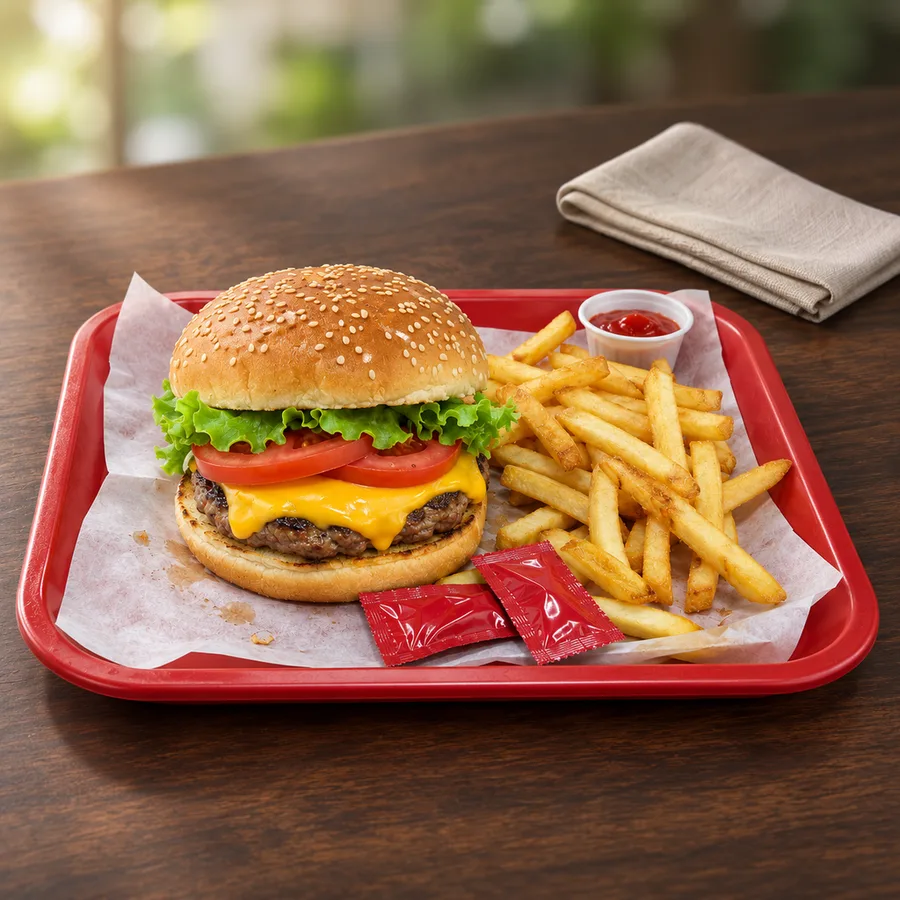
Edited
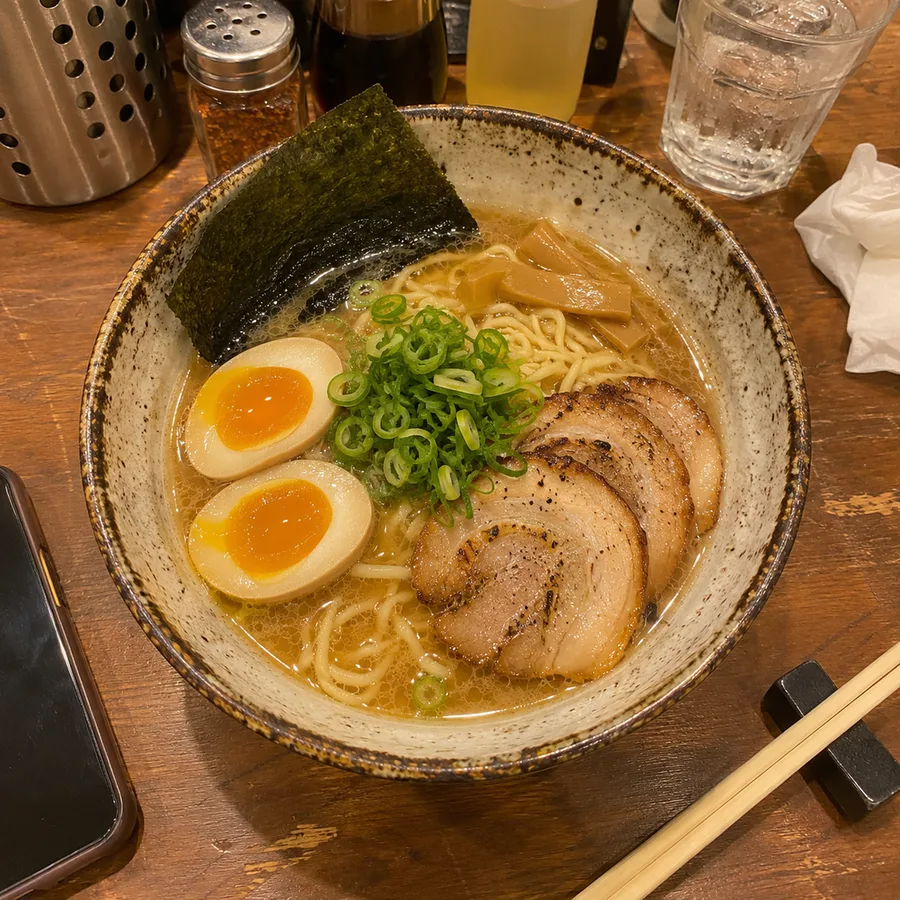
Original
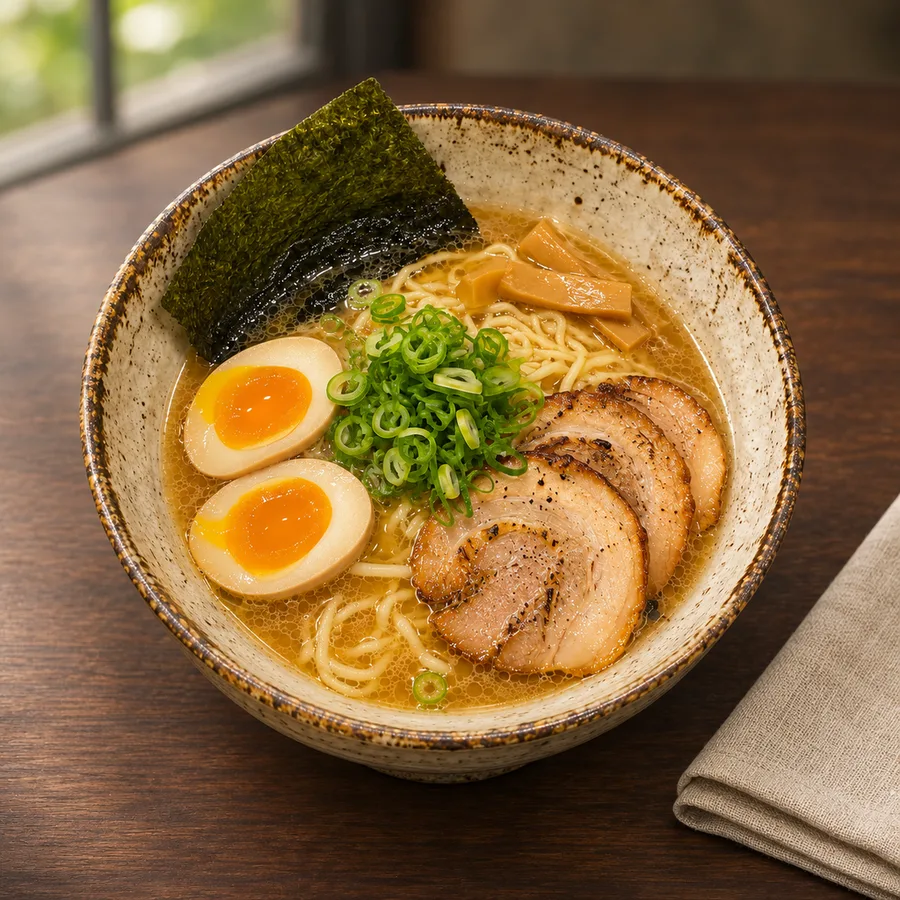
Edited
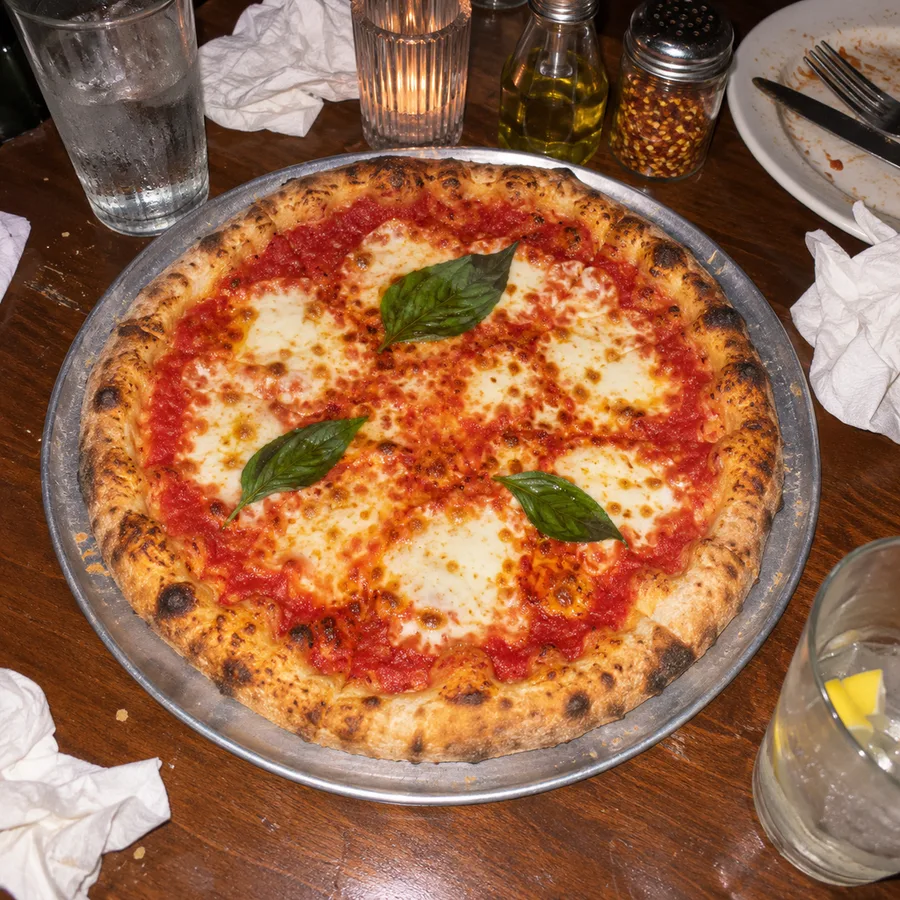
Original
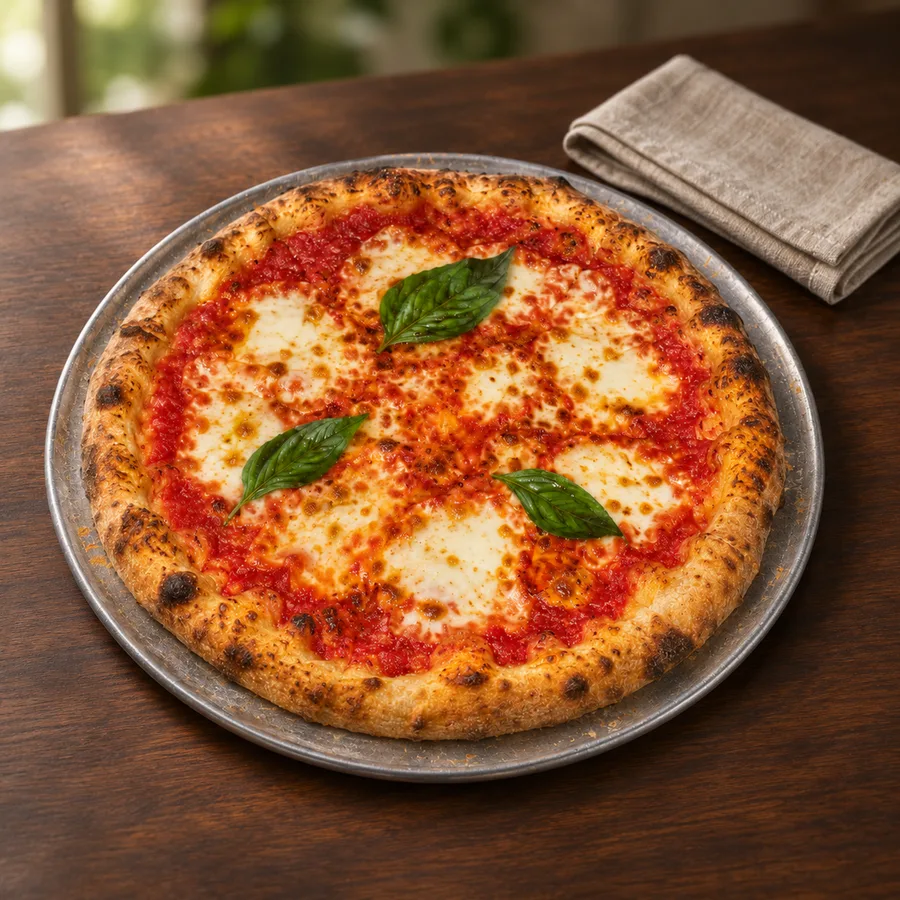
Edited
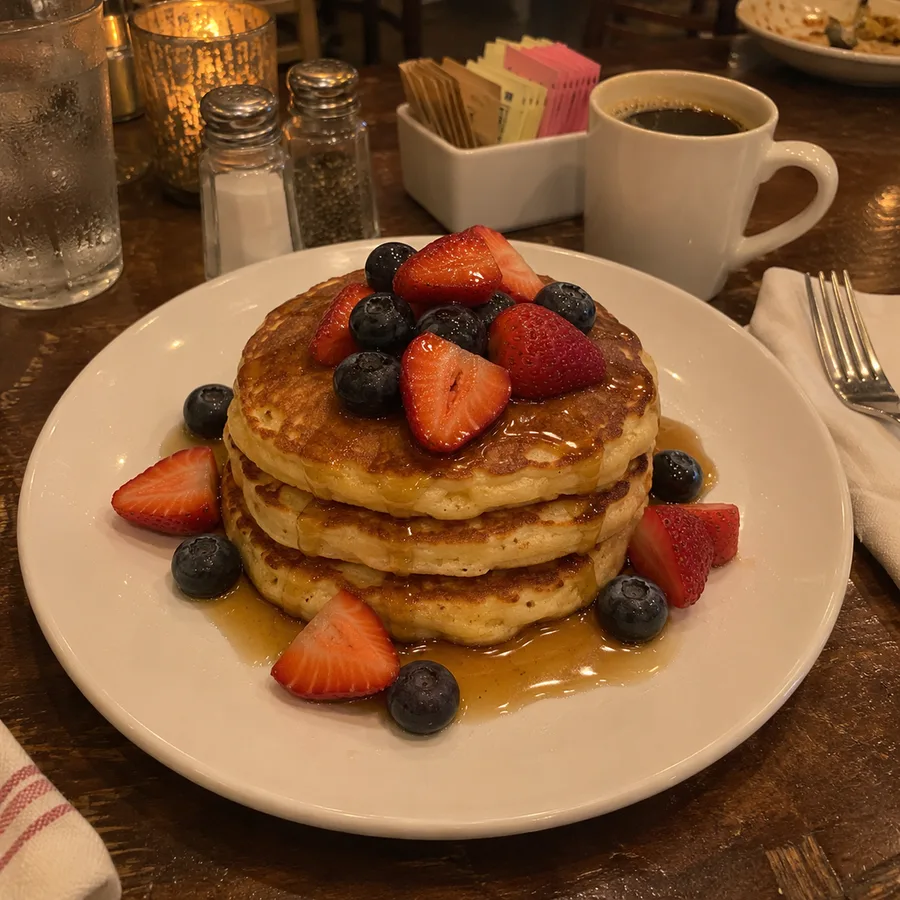
Original
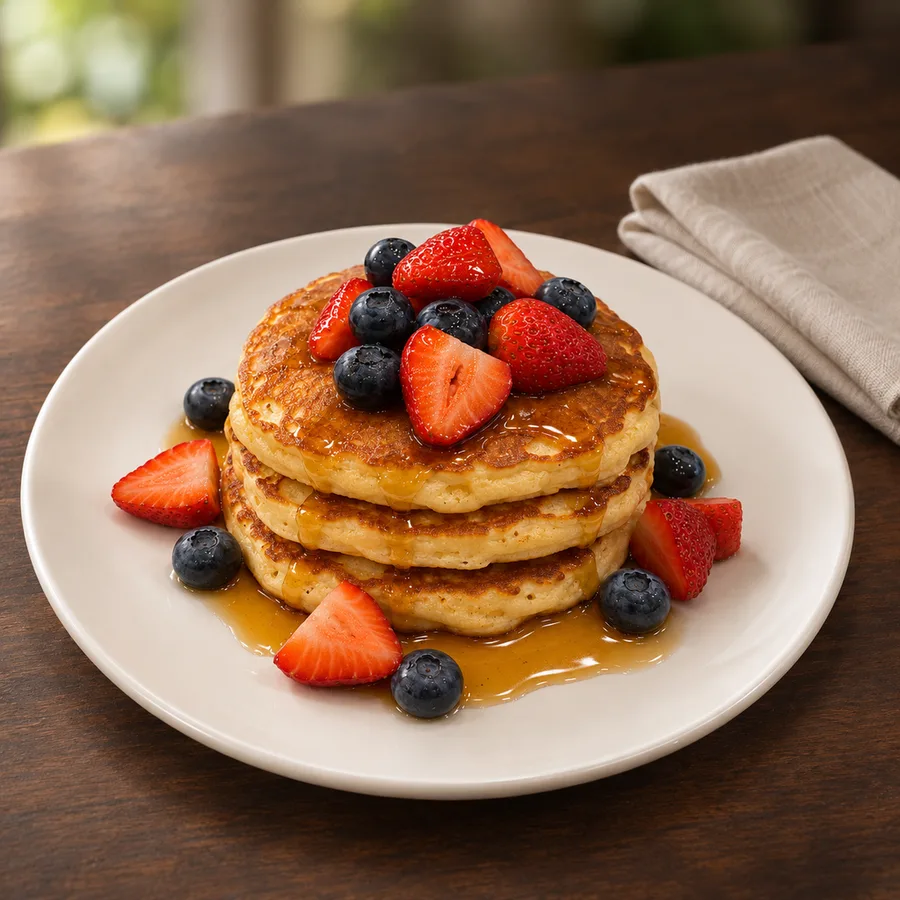
Edited
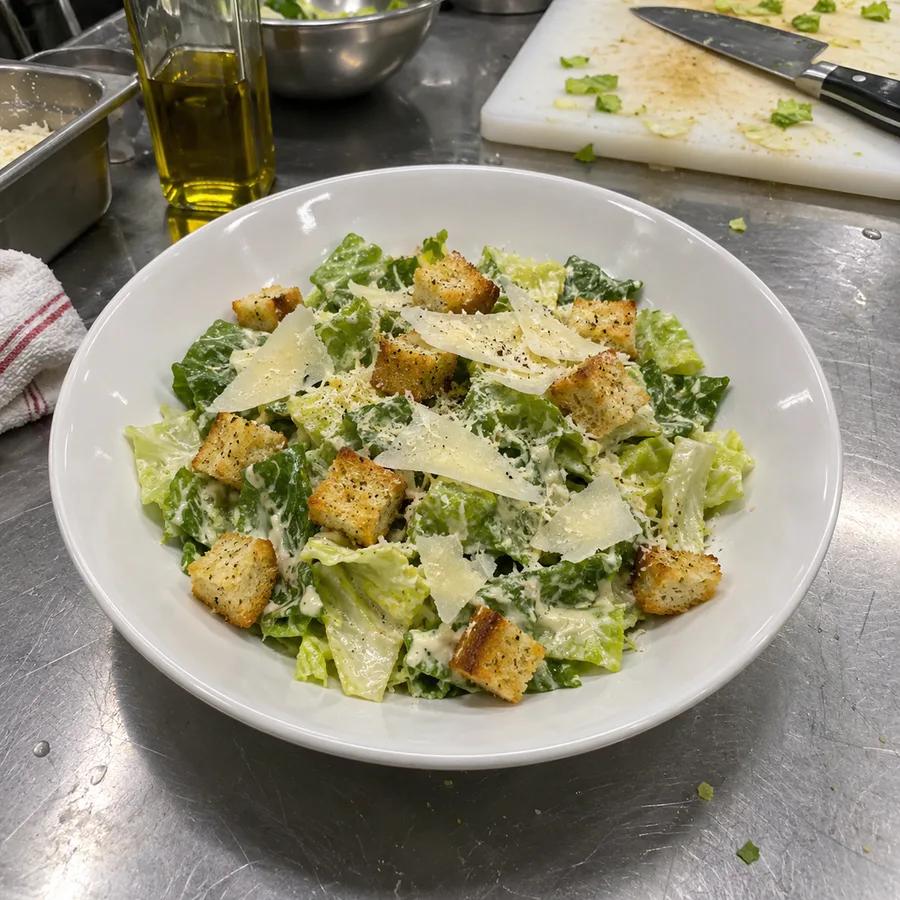
Original
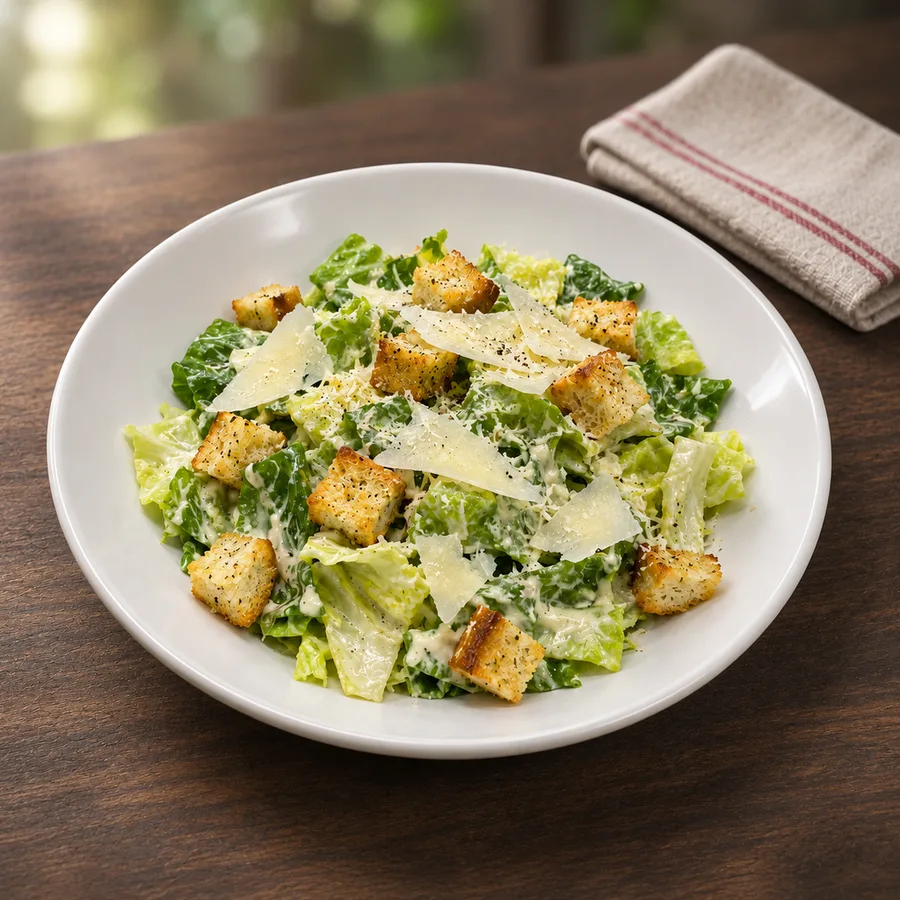
Edited
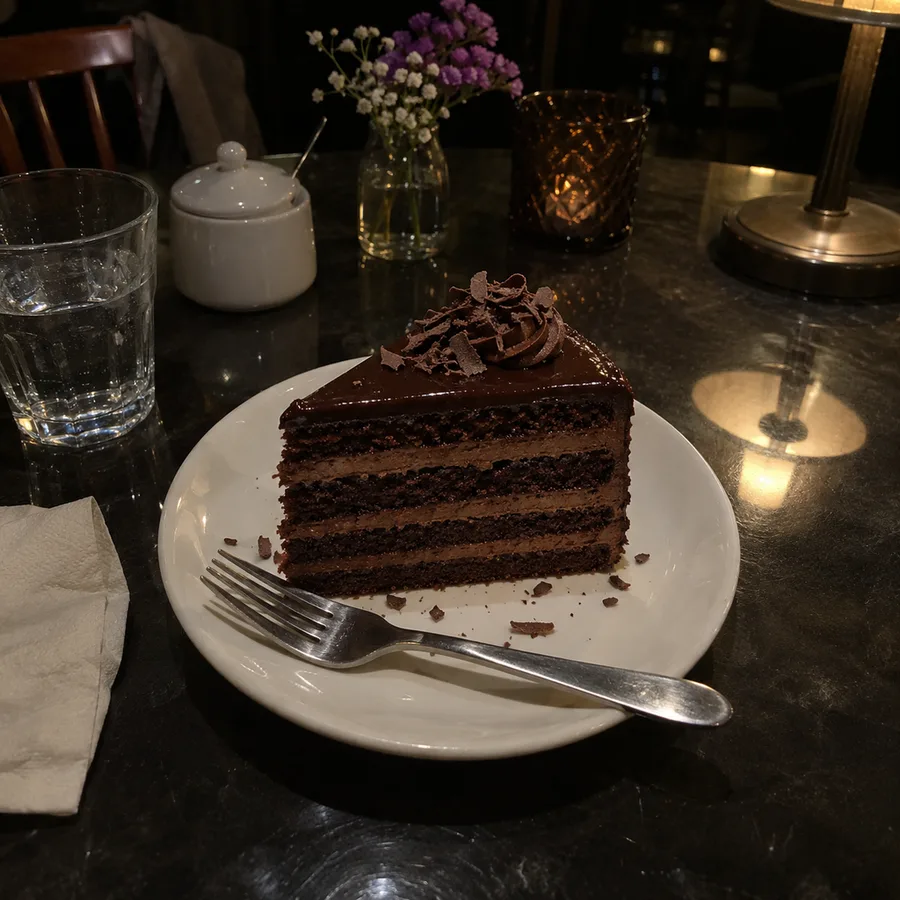
Original
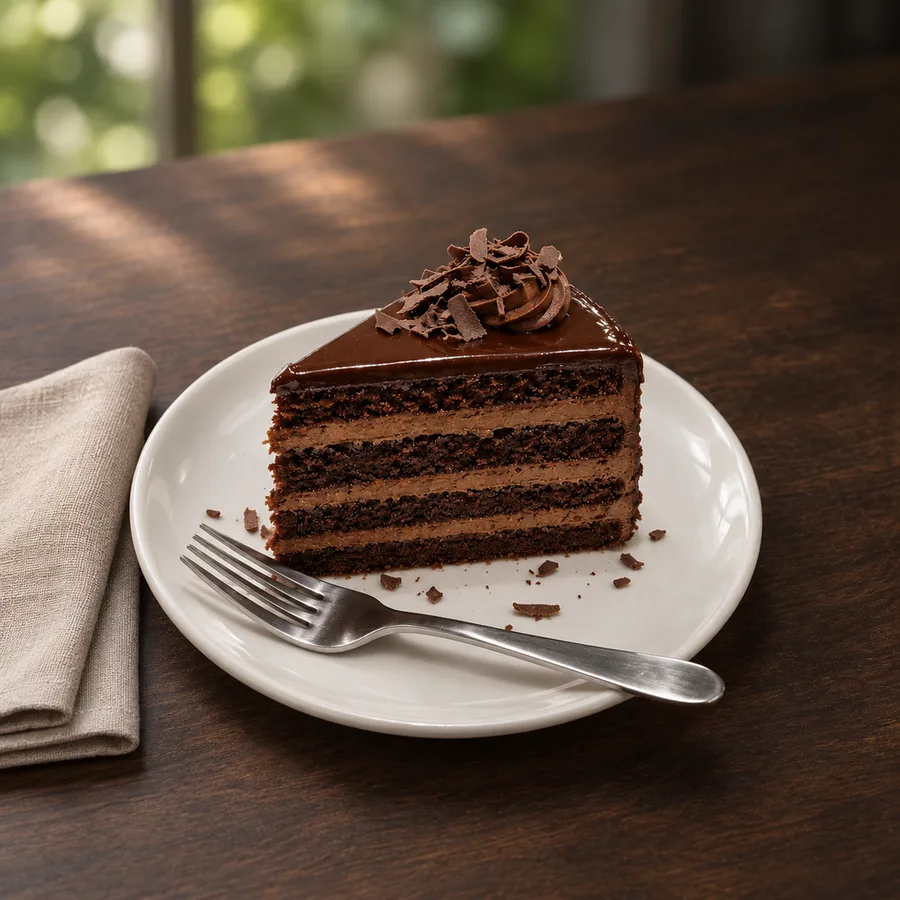
Edited
Prompt to copy
Edit this into a clean menu photograph. Keep the same dish, serving size, garnishes and plate. Use soft natural window light, a dark wood table and a calm background. Keep food colors realistic and remove unrelated objects from the table.
How to make your own
Start with the food actually on the menu
Choose a photo per dish that shows all the ingredients and the portion. Group by shooting angle if you want a tighter grid on the menu.
Apply consistent lighting and surfaces
Upload the group to the Bulk Image Editor. Specify the same tabletop and window light, and tell the model to preserve the plating and toppings.
Compare each preview with its source
Discard edits that change the portion or add garnishes. Compare colors and margins side by side before exporting pictures for the same menu.
What to check in your results
- Check sauces, side dishes and protein quantities against what customers can order.
- Preview square thumbnails to make sure the full dish fits in the delivery menu crop.
Frequently asked questions
Can I use a different crop for taller dishes?
Yes. Group tall dishes separately or pick a roomier source photo, then reuse the same lighting and table instructions.