
Bulk Generate a Week of Instagram Post Images
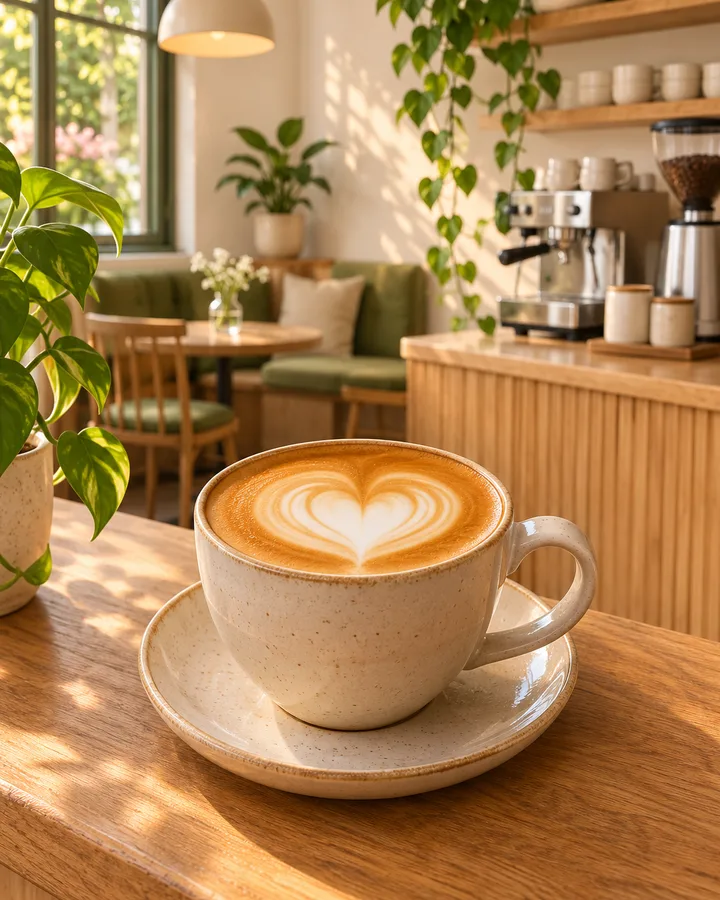
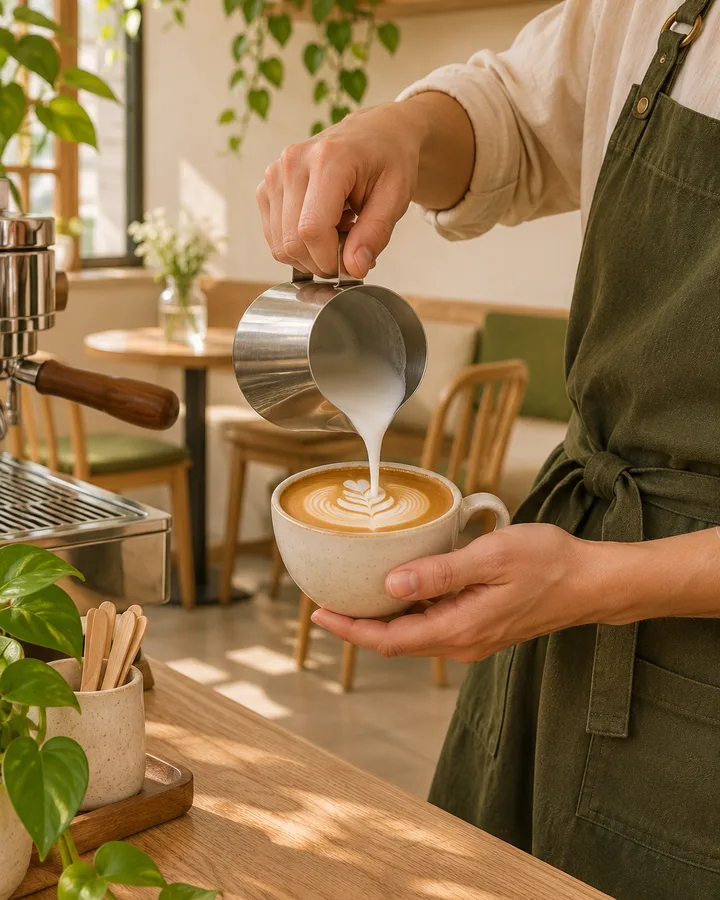
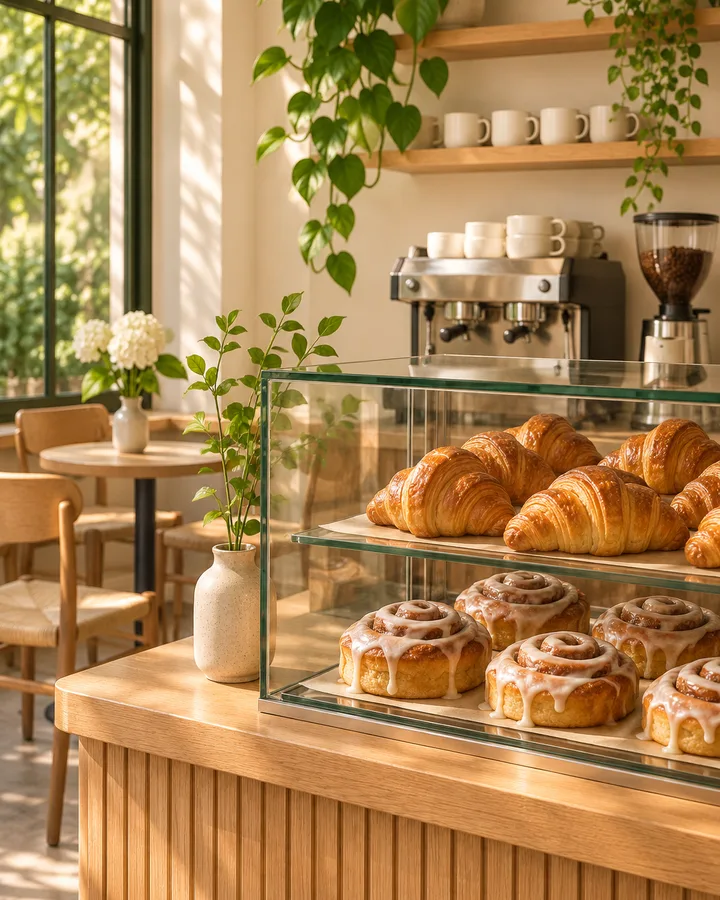
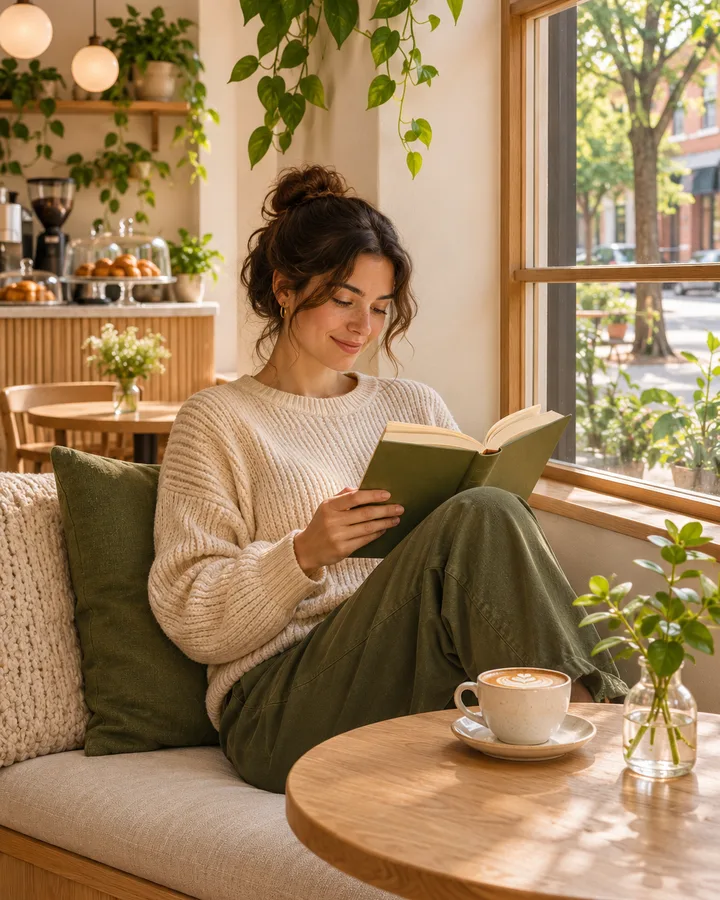
Turn a weekly content plan into a coordinated set of Instagram images. See eight sample coffee shop posts and copy the brief for consistent brand visuals.
Open this exampleSeven days of café posts plus one spare image
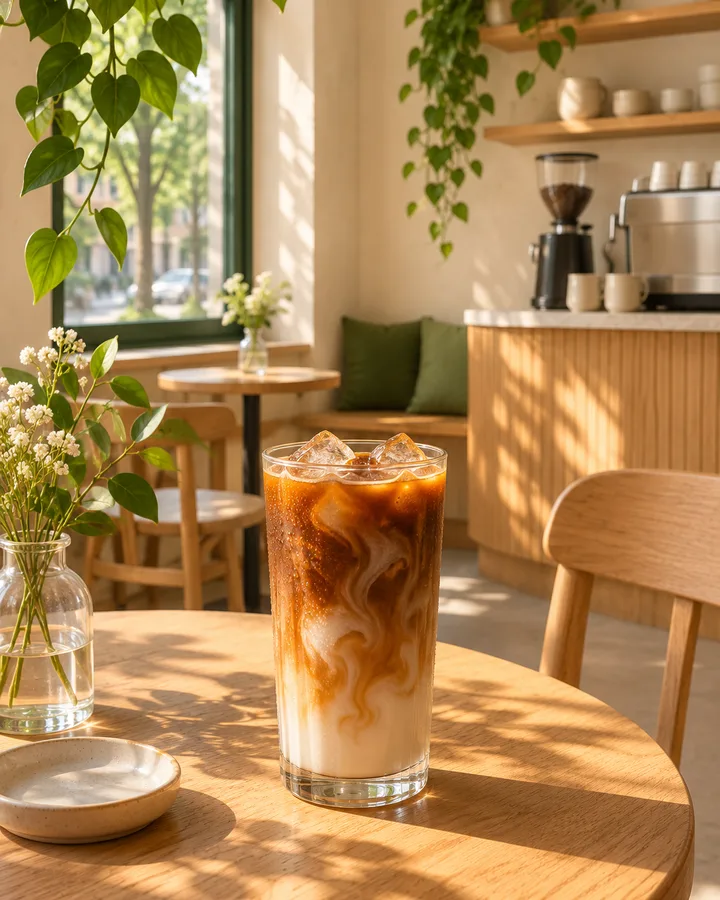
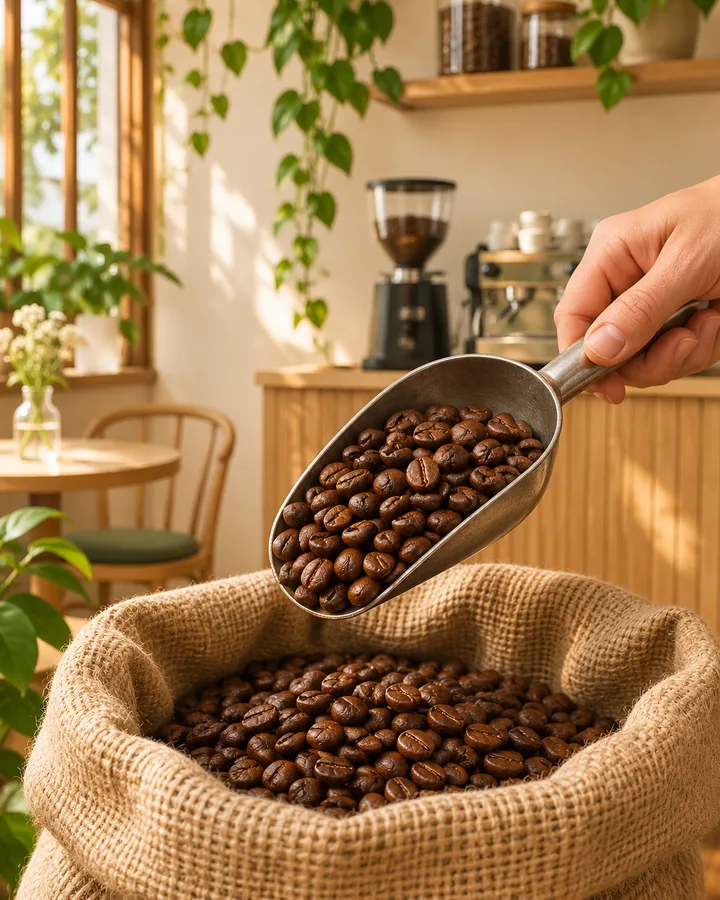
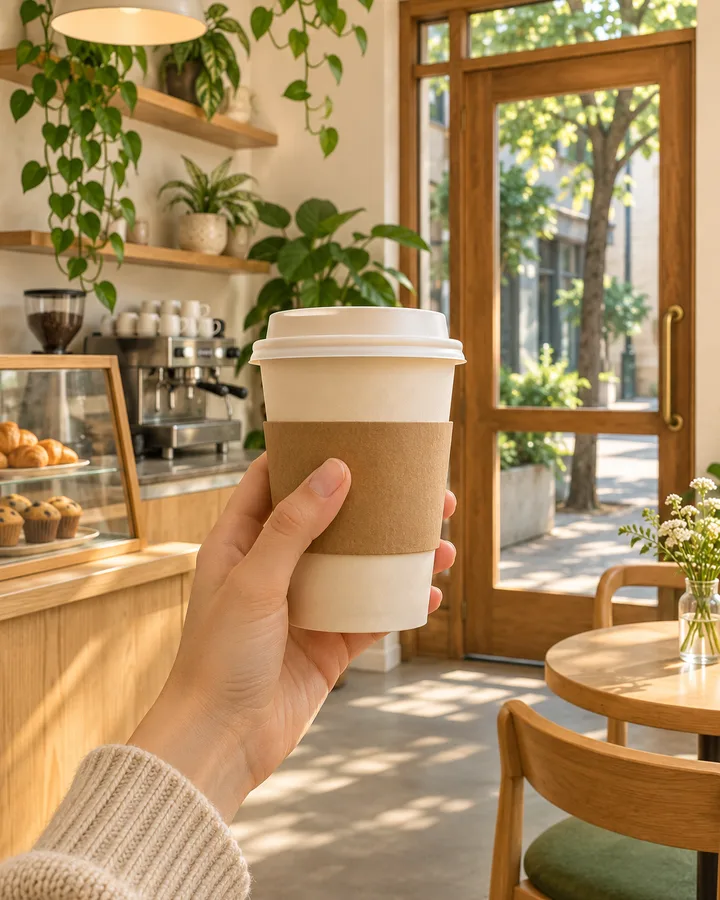
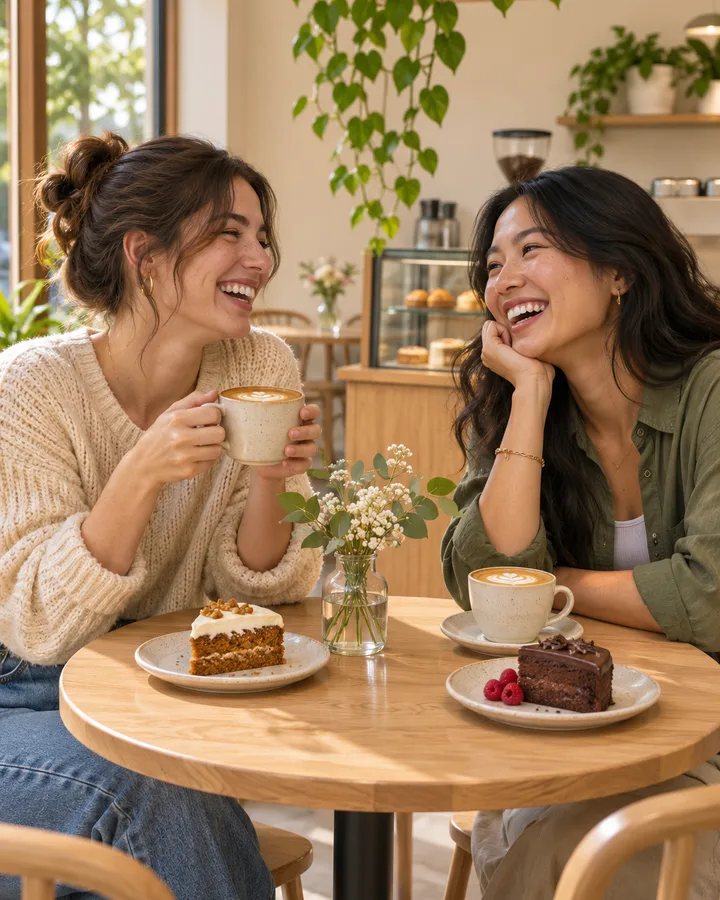
Prompt to copy
Plan 8 portrait 4:5 Instagram images for a neighborhood café: latte art, a barista, pastries, a window seat, iced coffee, beans, a takeaway cup and friends at a table. Use warm light, cream walls, light oak and plants for a consistent look. Leave branding and text for the post layout.
How to make your own
Give each day a visual topic
List the week’s subjects. Alternate product close-ups, behind-the-scenes moments and wider shots so the feed feels cohesive without repeating the same composition.
Turn the list into individual prompts
Paste the brief into the Batch Image Generator and review the eight prompts. Keep the palette, light and output ratio consistent, with space for overlays where needed.
Preview as a feed and finish the posts
Compare the small previews side by side. Edit any repeated compositions, then add your copy and logos separately when preparing the posts.
What to check in your results
- Check the exported crop in your publishing preview before adding text. Keep any overlay clear of the subject.
- Match real menu items, prices and promotions to your business records before posting.
Frequently asked questions
Does this generate captions or publish to Instagram?
This workflow generates the image assets. Write captions, set up the layout and schedule posts in your publishing workflow.
What if I already have a design to adapt?
See the social media image variations workflow for making versions of existing visuals for different placements.