
Bulk Generate White-Background Amazon Main Images
Create square, white-background Amazon main image drafts from existing product photos. See six SKU examples, copy the prompt and check your exports.
Open this exampleSix products on white backgrounds
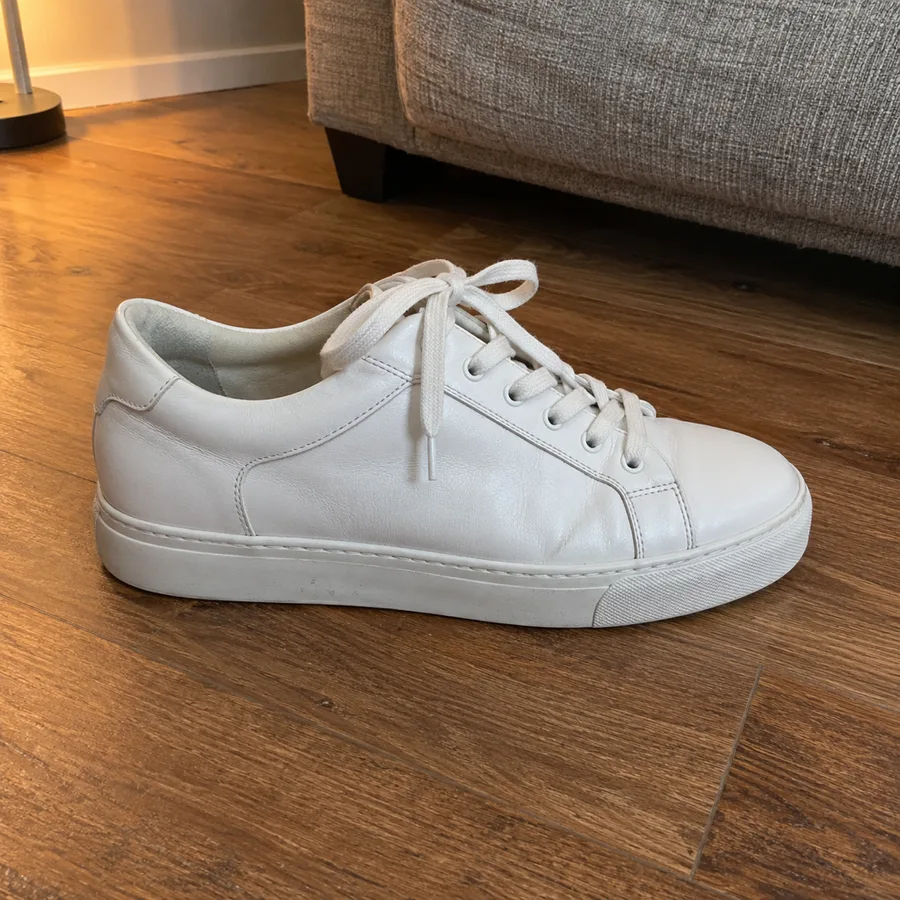
Original
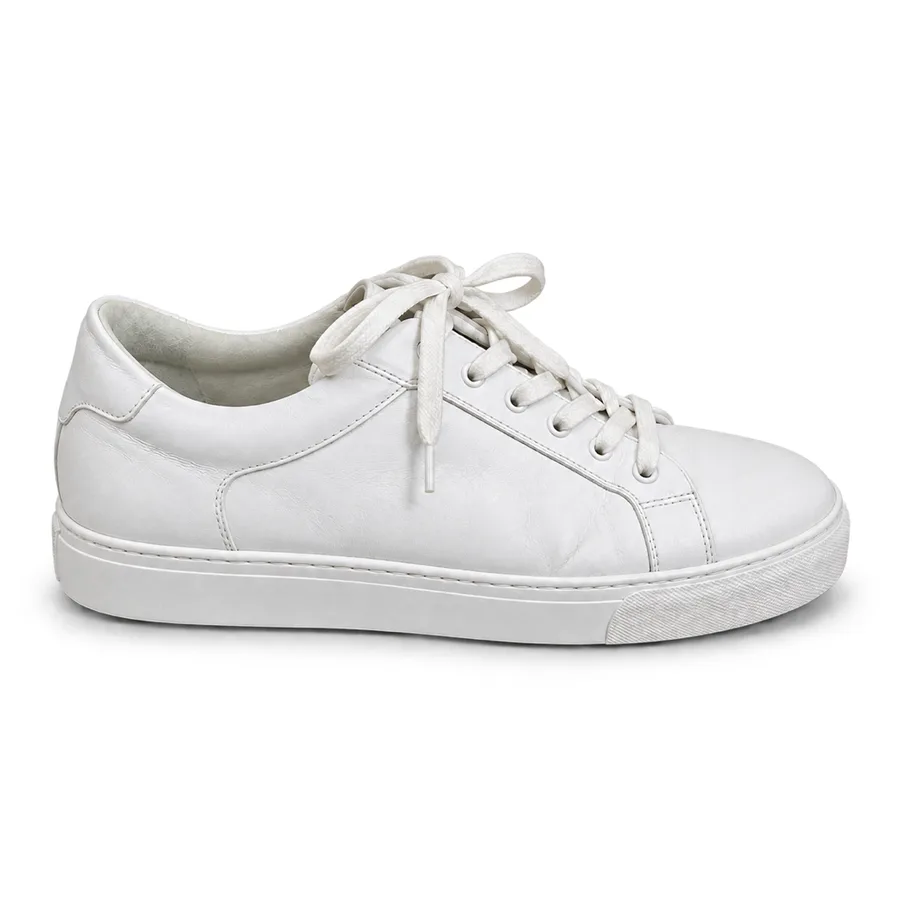
Edited
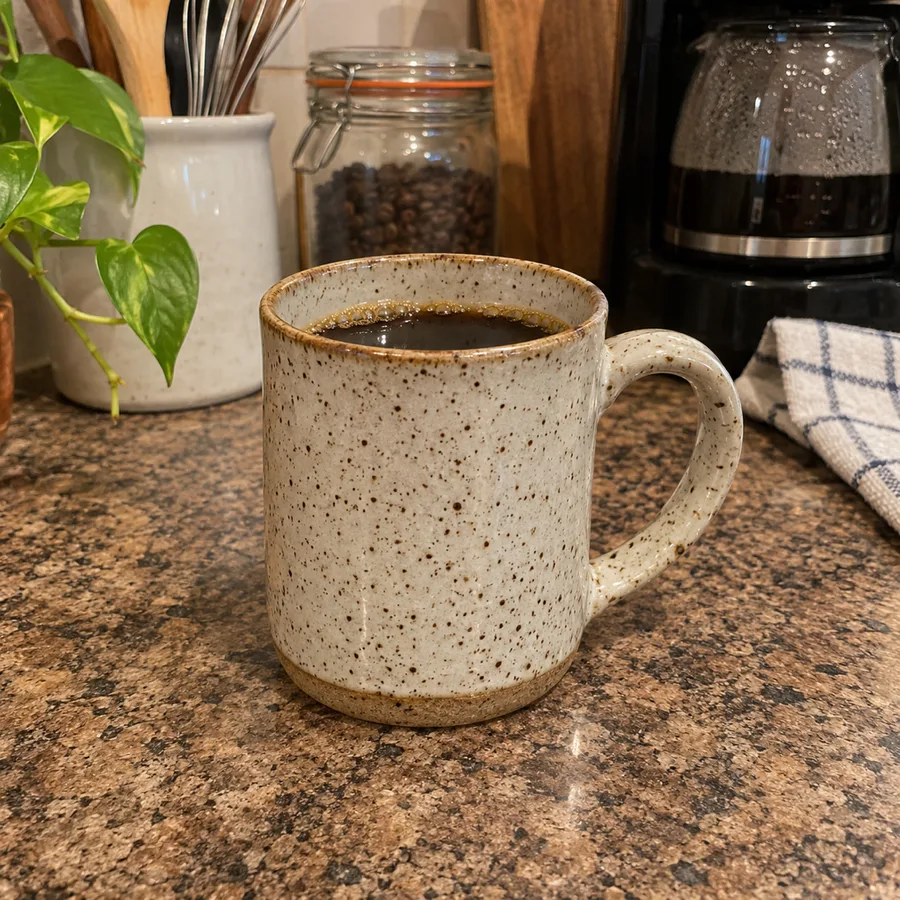
Original
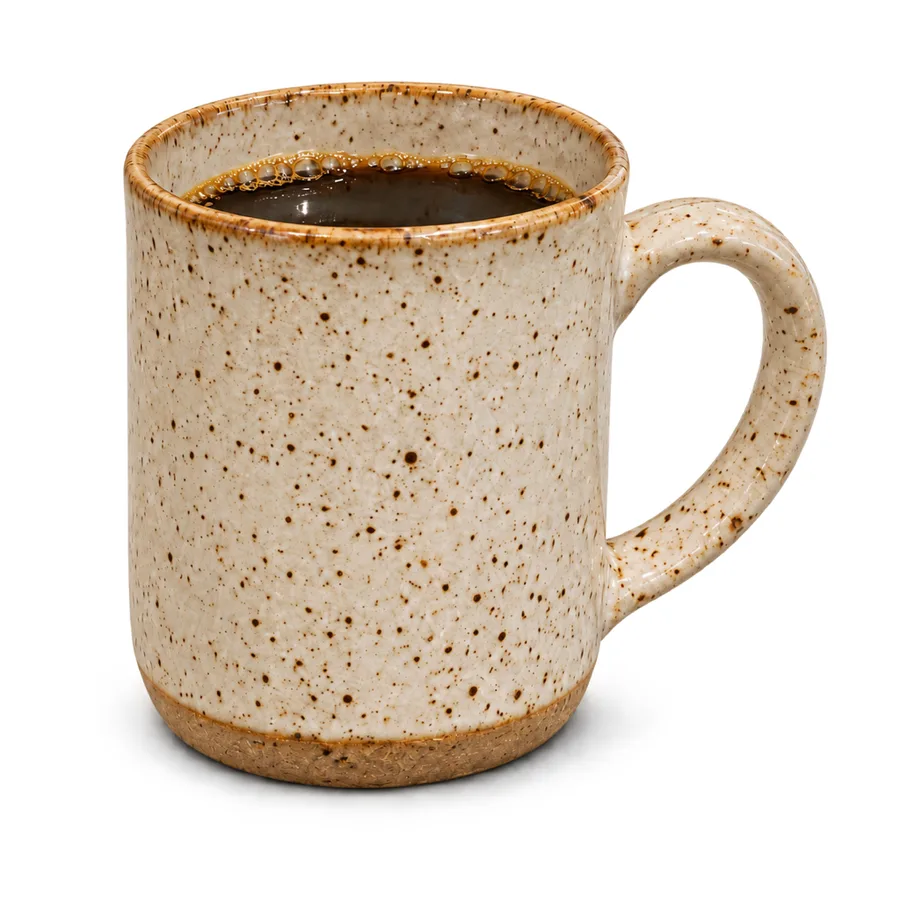
Edited
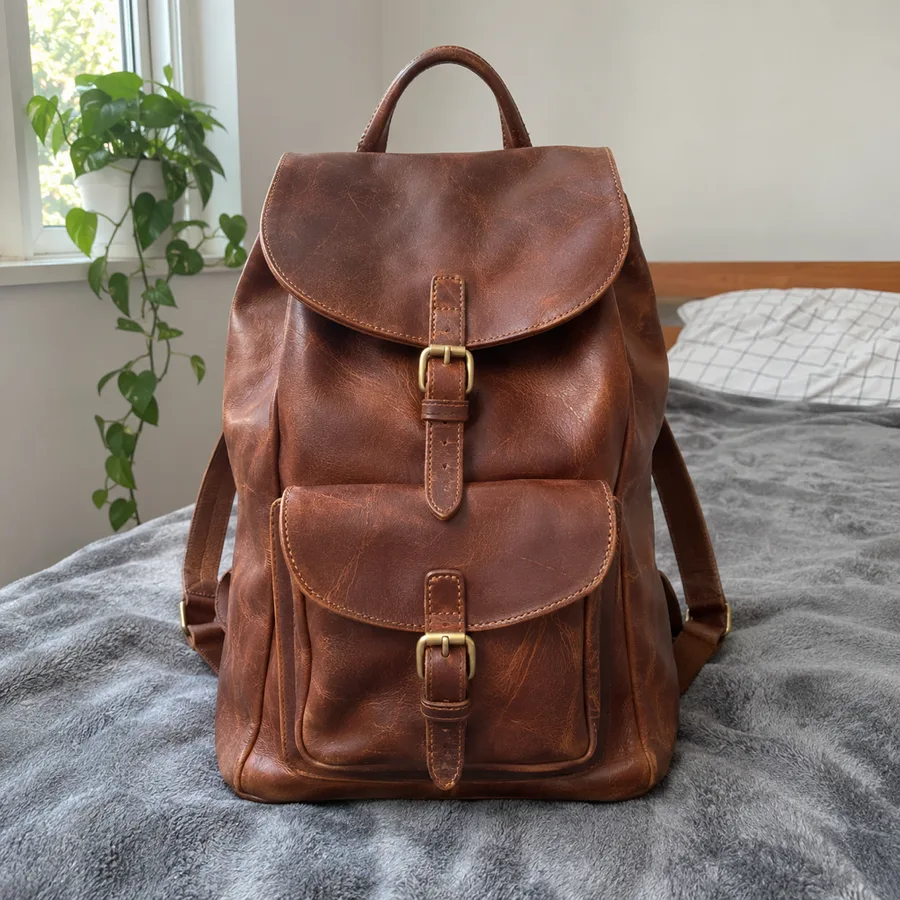
Original
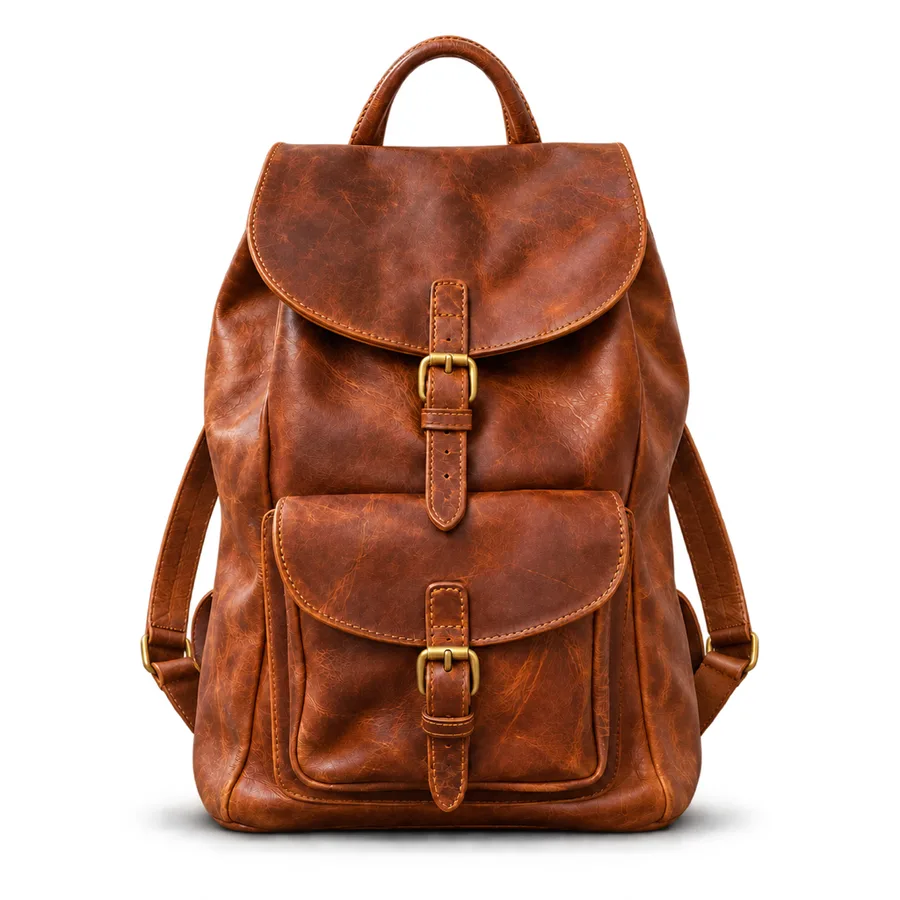
Edited
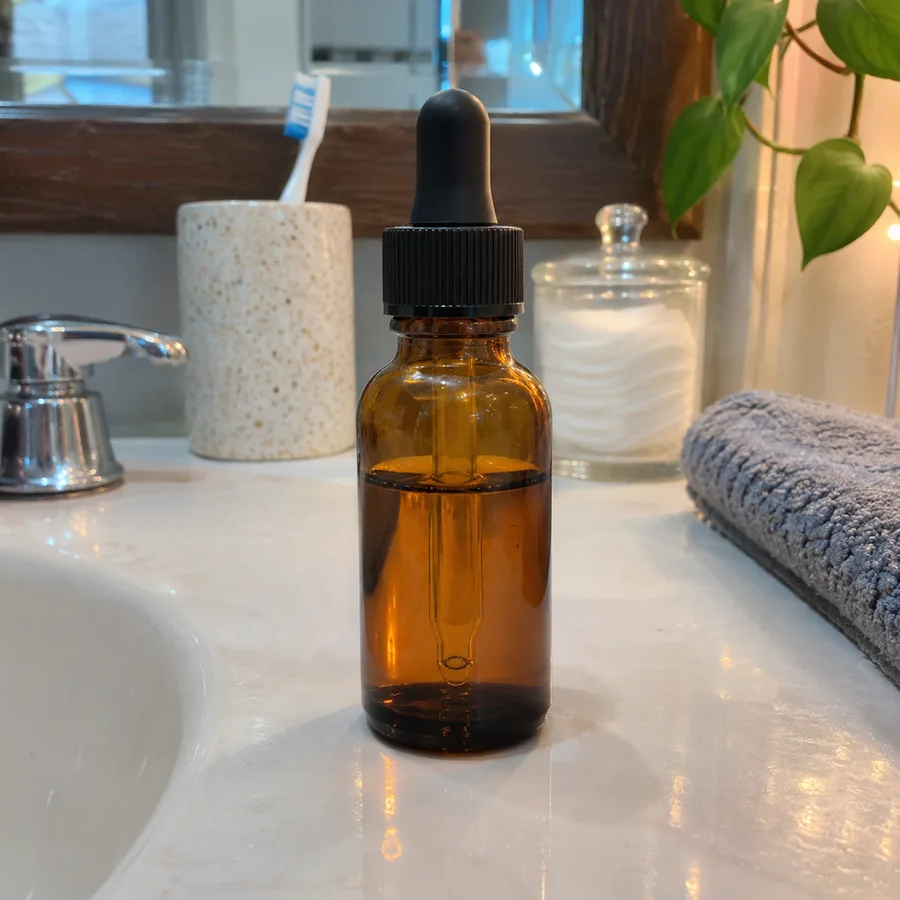
Original
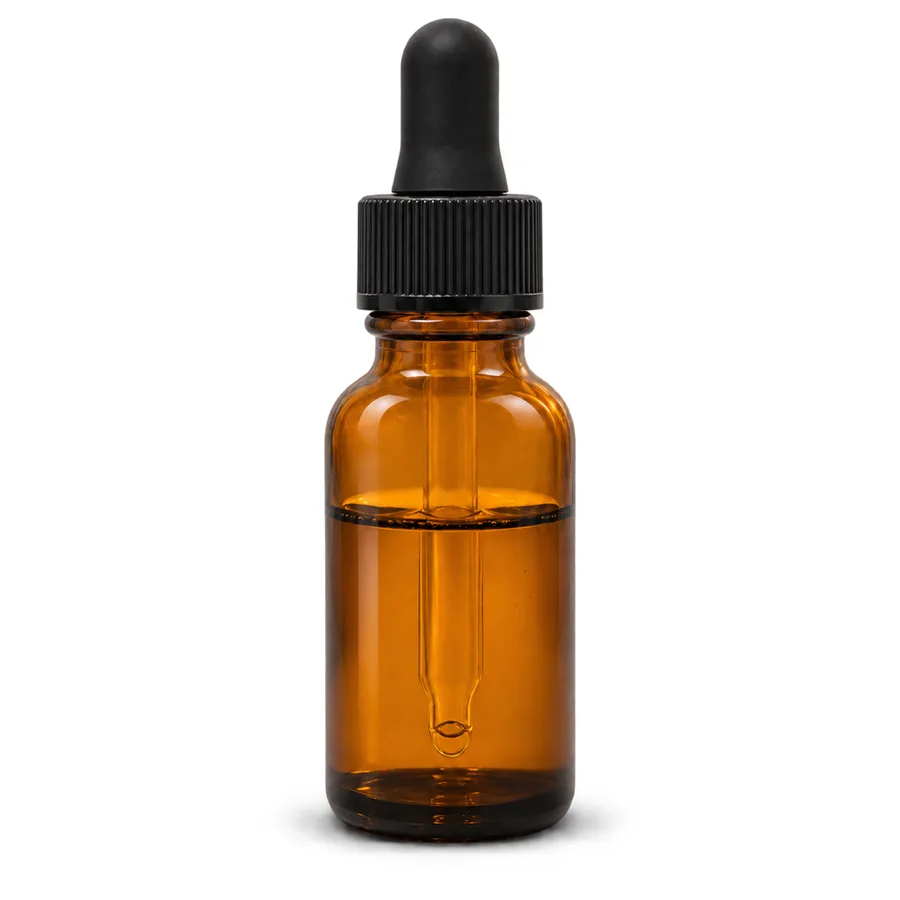
Edited
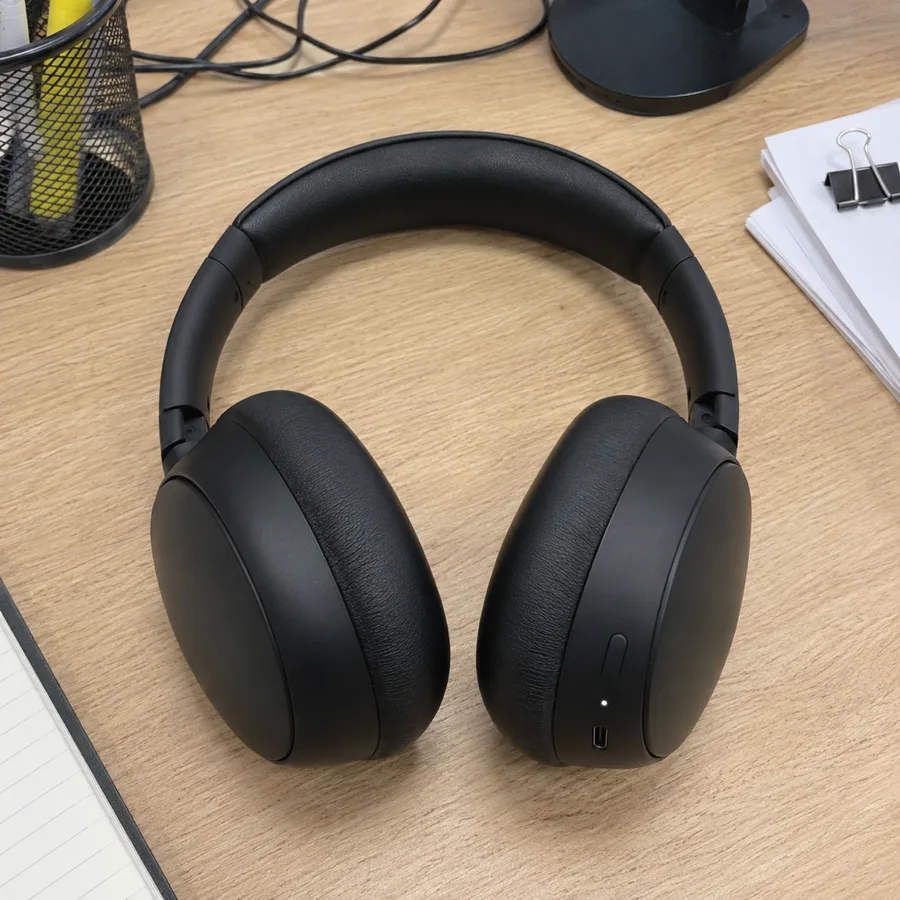
Original
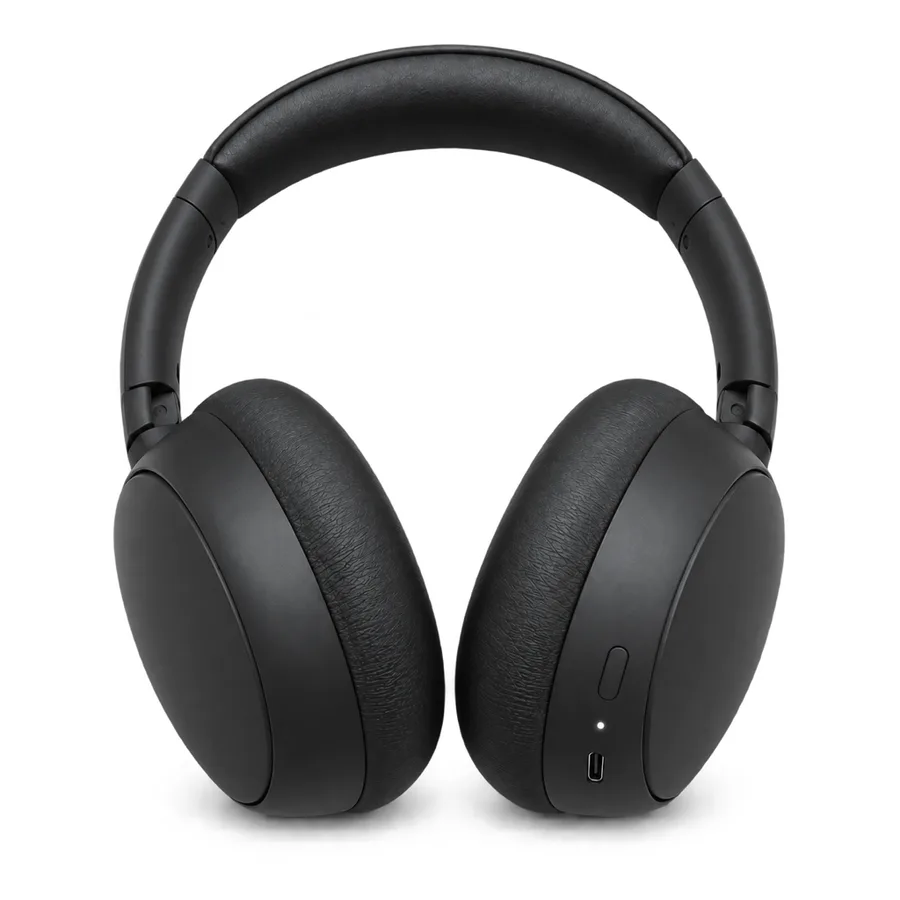
Edited
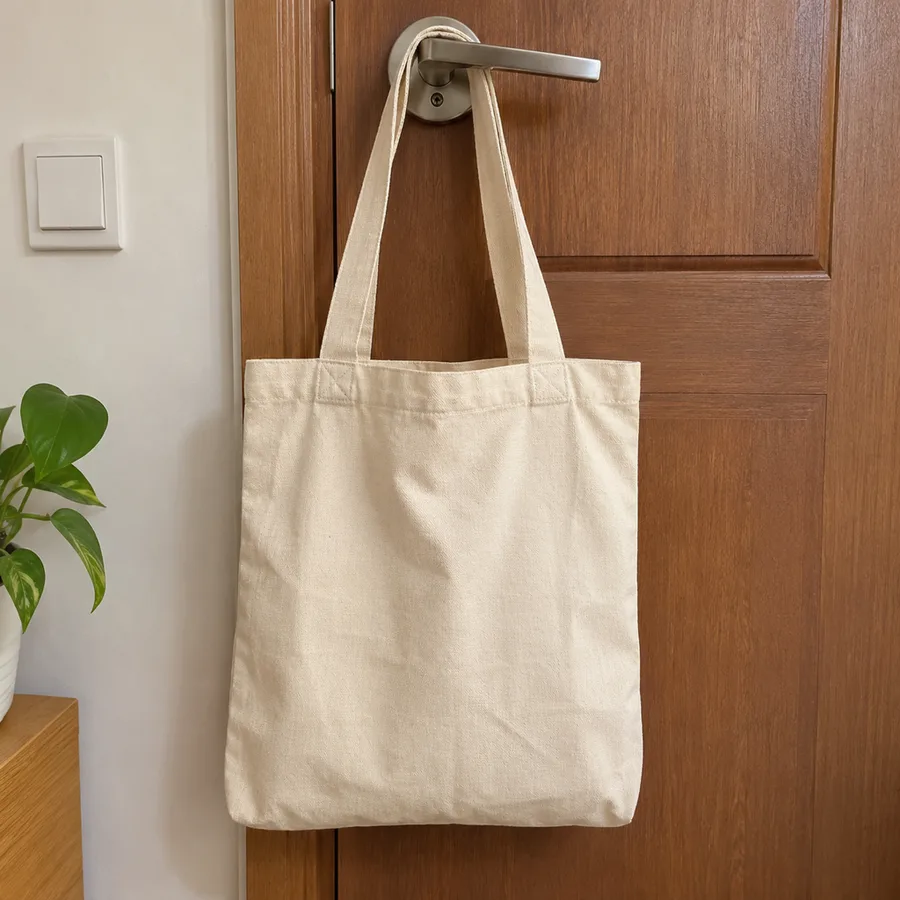
Original
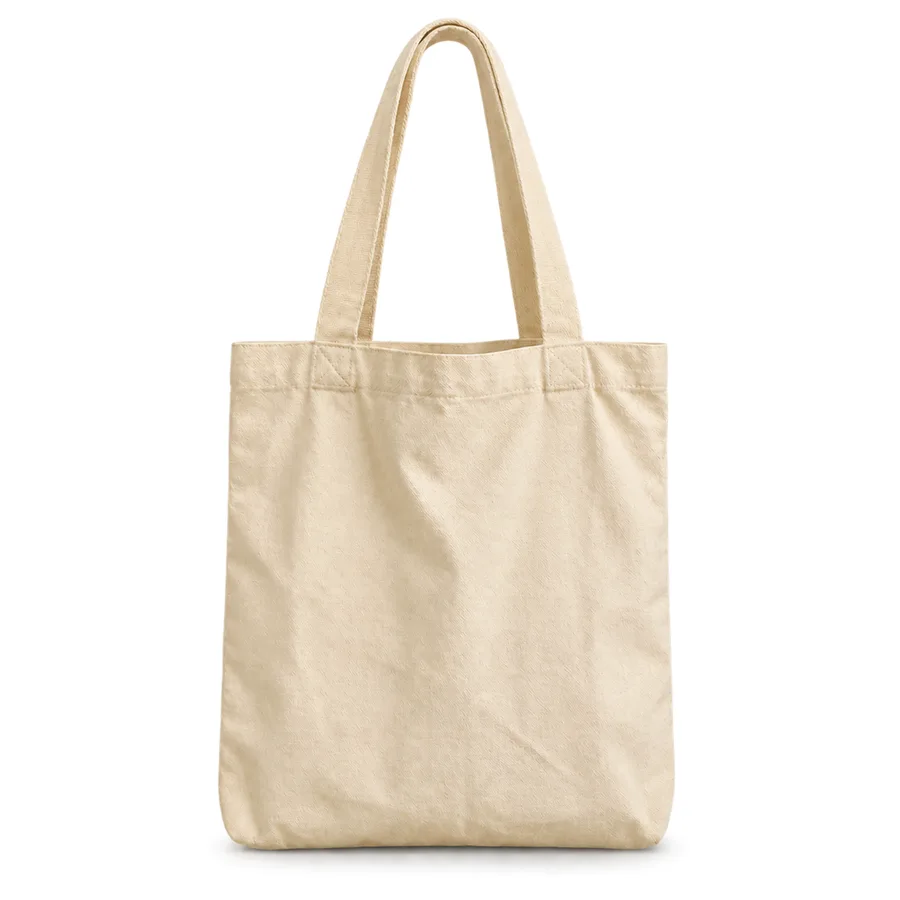
Edited
Prompt to copy
Edit this product photo into a square image on pure white (RGB 255, 255, 255). Center the actual product and use roughly 85% of the frame while keeping it fully visible. Preserve its shape, color, finish, packaging and label. Remove surrounding props and add no overlay text.
How to make your own
Select the real product photos
Choose one clear shot per SKU. Use photos that already show the exact variant, packaging and quantity buyers will receive.
Apply the same white-background brief
Upload the batch and set a square crop. Preview a few difficult items first, such as white products, reflective packaging or thin straps.
Compare the export and run the checker
Compare the original and edited SKU at full size. Check background and image dimensions with the Amazon Main Image Checker, then consult the requirements for your category.
What to check in your results
- Zoom into labels, closures and edges. Correct or replace an image if a product detail changes.
- Check for leftover props, clipping and color shifts. For a listing, use a photo that accurately represents the item.
Frequently asked questions
Can the checker guarantee Amazon approval?
The checker flags common image issues. Amazon evaluates the listing and may have additional requirements for your category.
Can I use a new lifestyle scene as the main image?
Use the white-background workflow for the main image and check the category rules. The related product photography guide covers lifestyle and other listing images.