
Turn Multiple Photos into Coloring Pages with AI
Convert a batch of personal photos into black-and-white coloring pages. Compare six photo-to-line-art examples and copy a prompt for simpler outlines.
Open this exampleSix photos converted to black-and-white line art
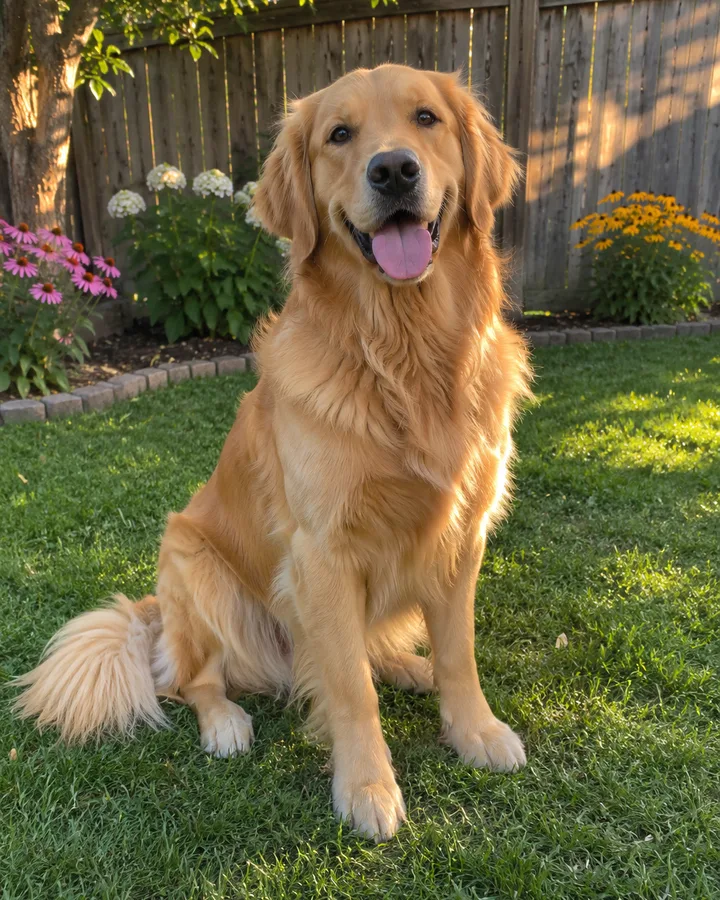
Original
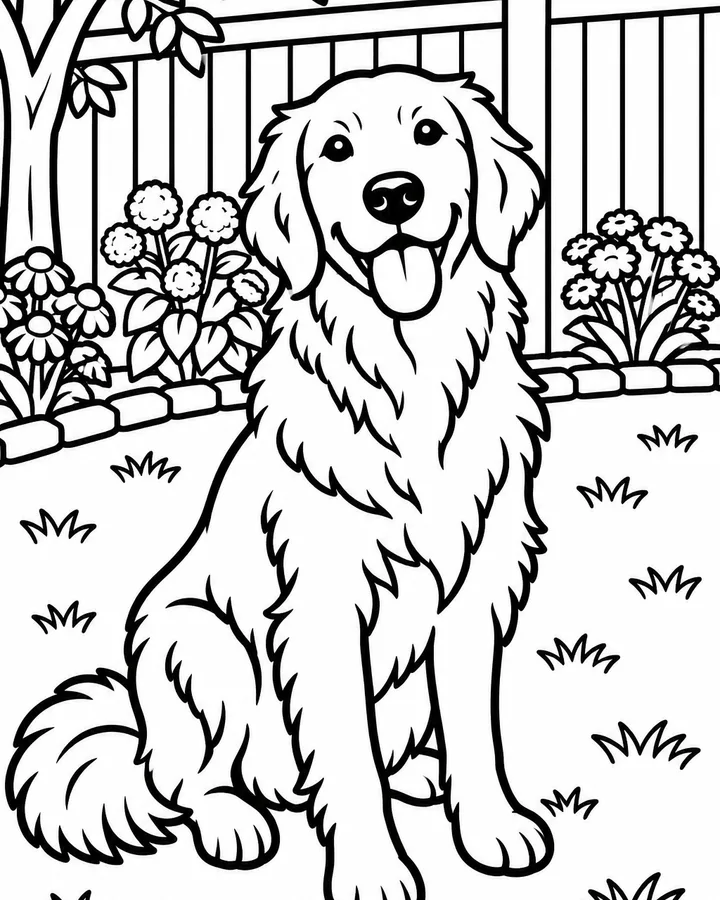
Edited
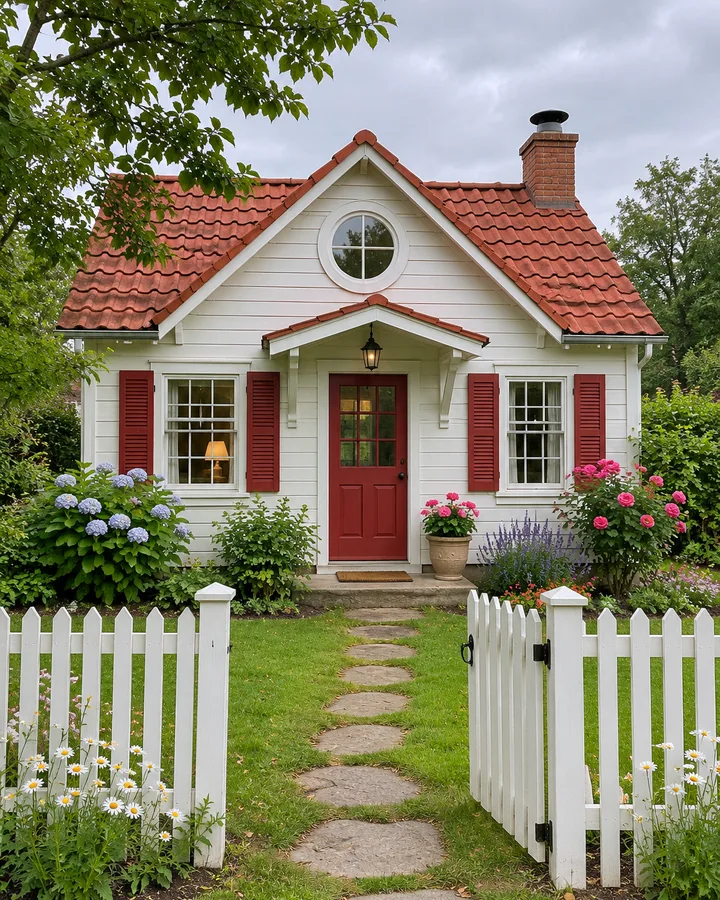
Original
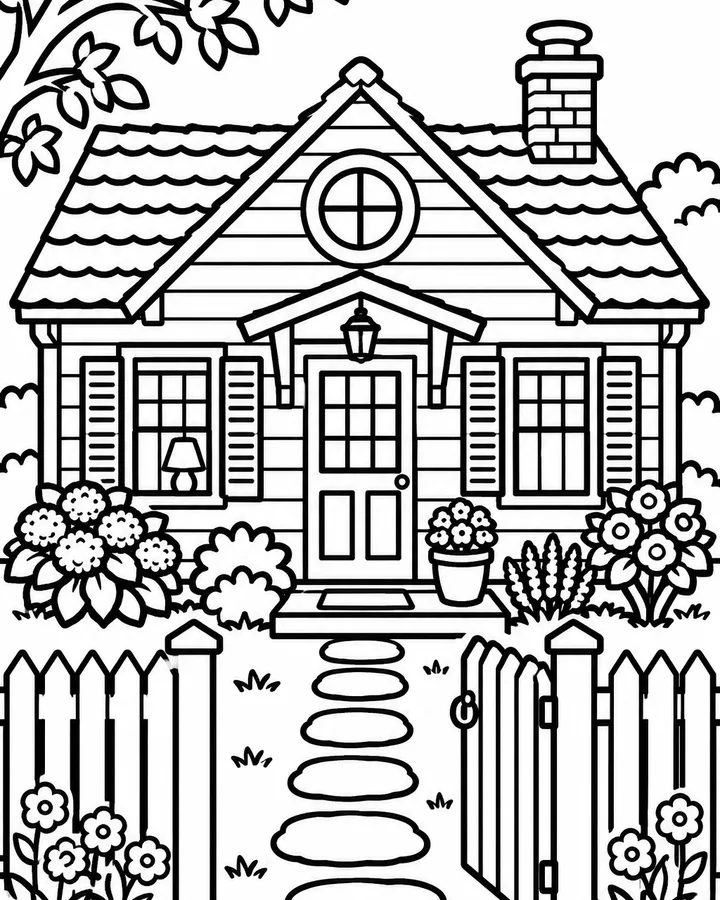
Edited
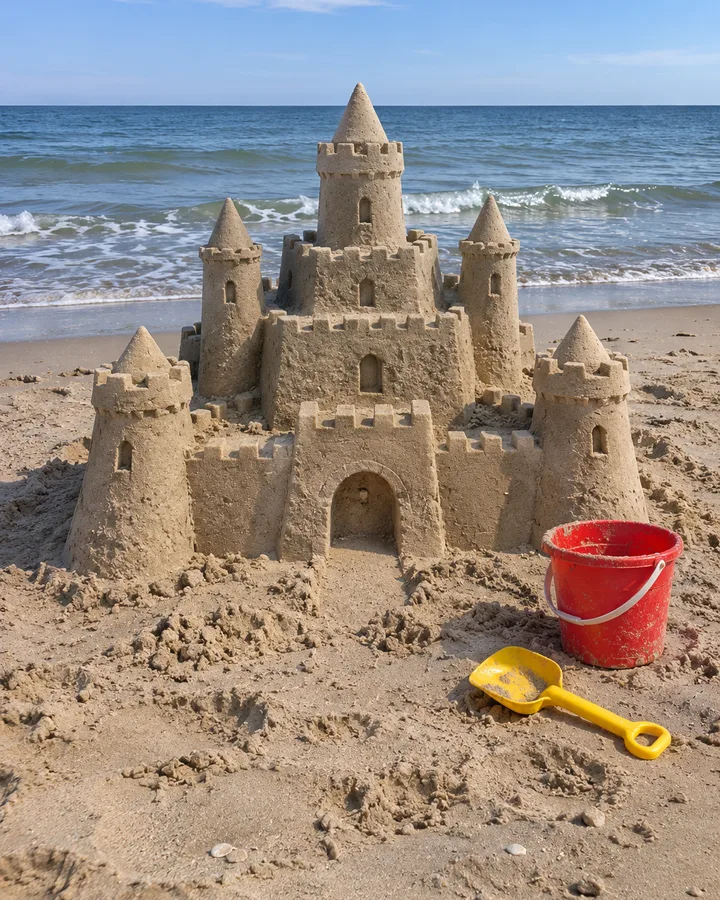
Original
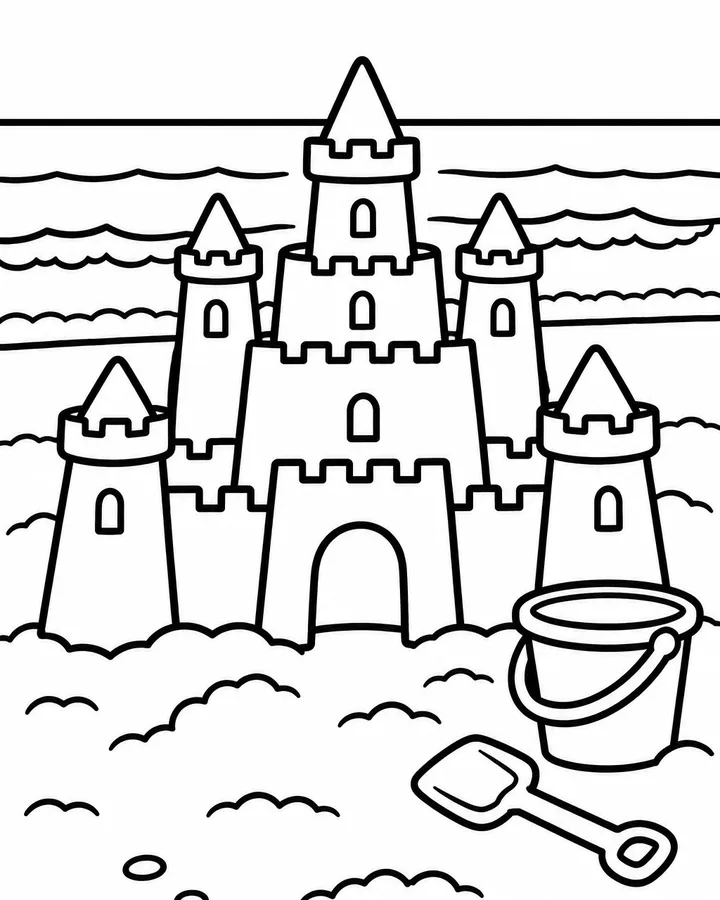
Edited
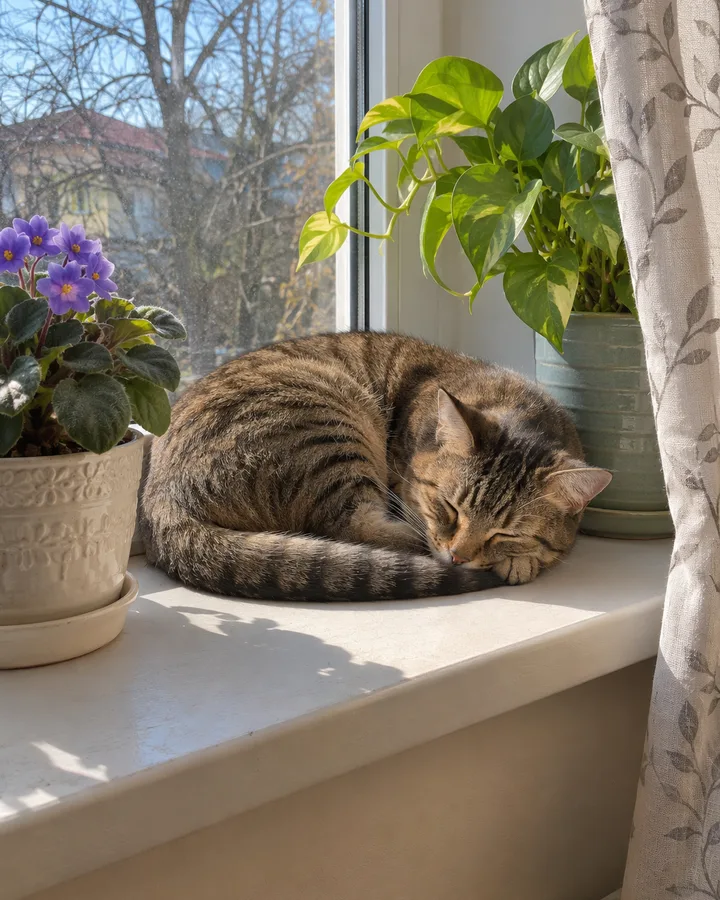
Original
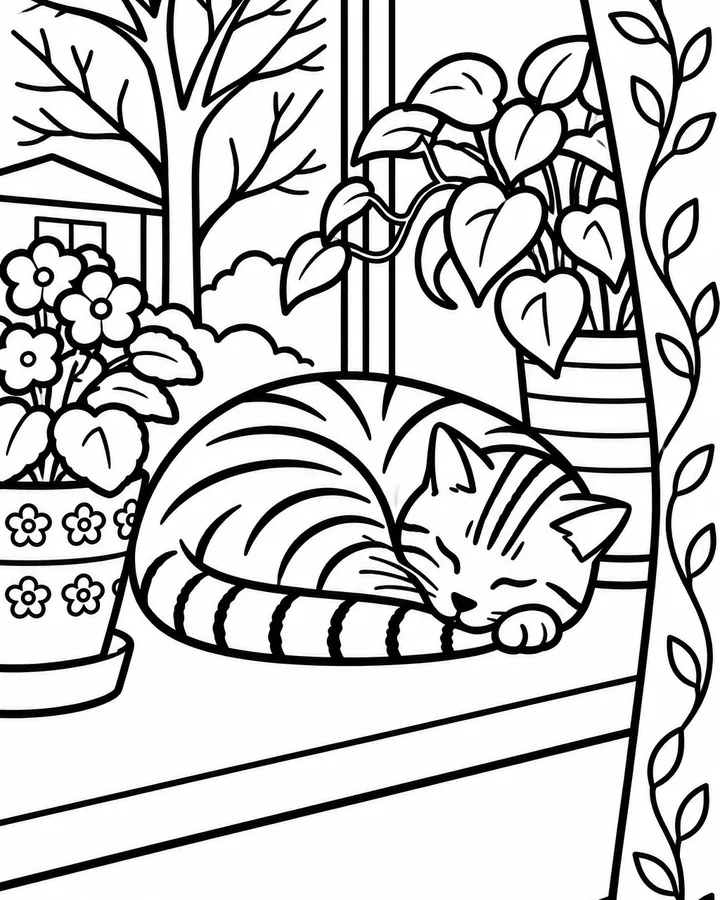
Edited
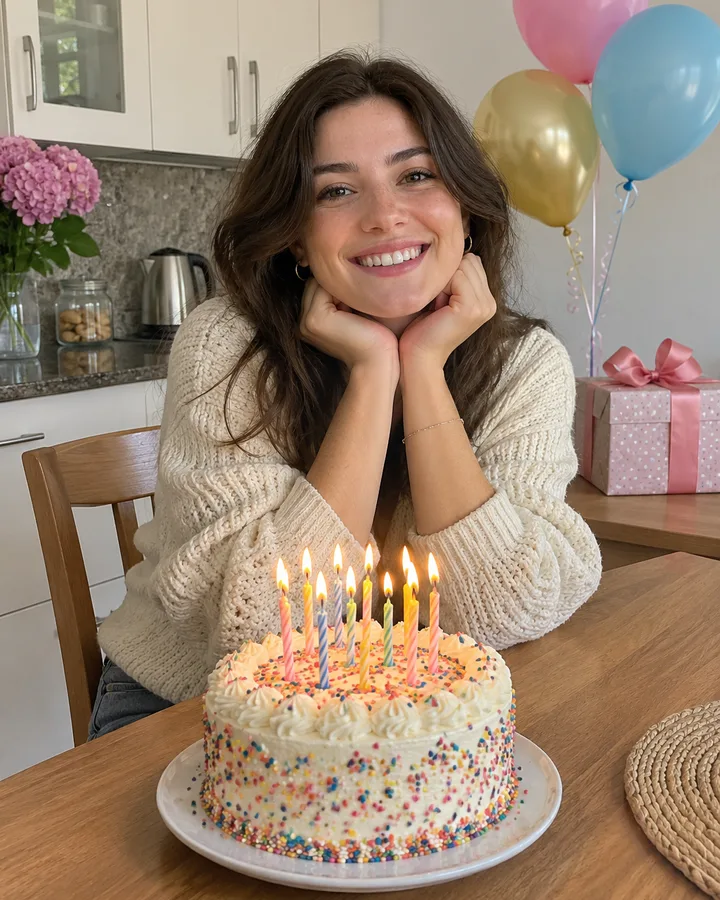
Original
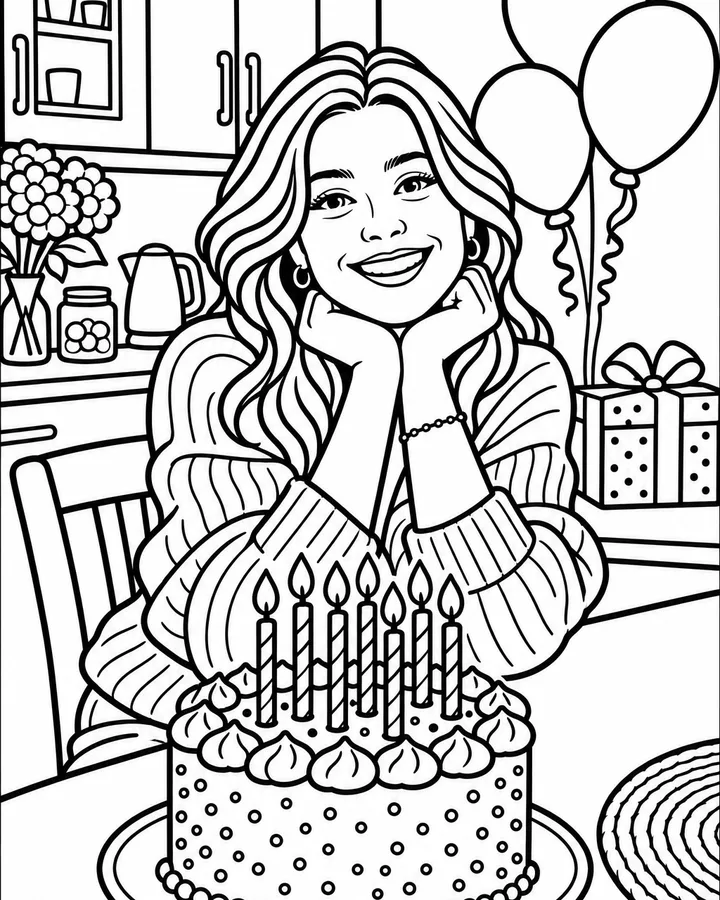
Edited
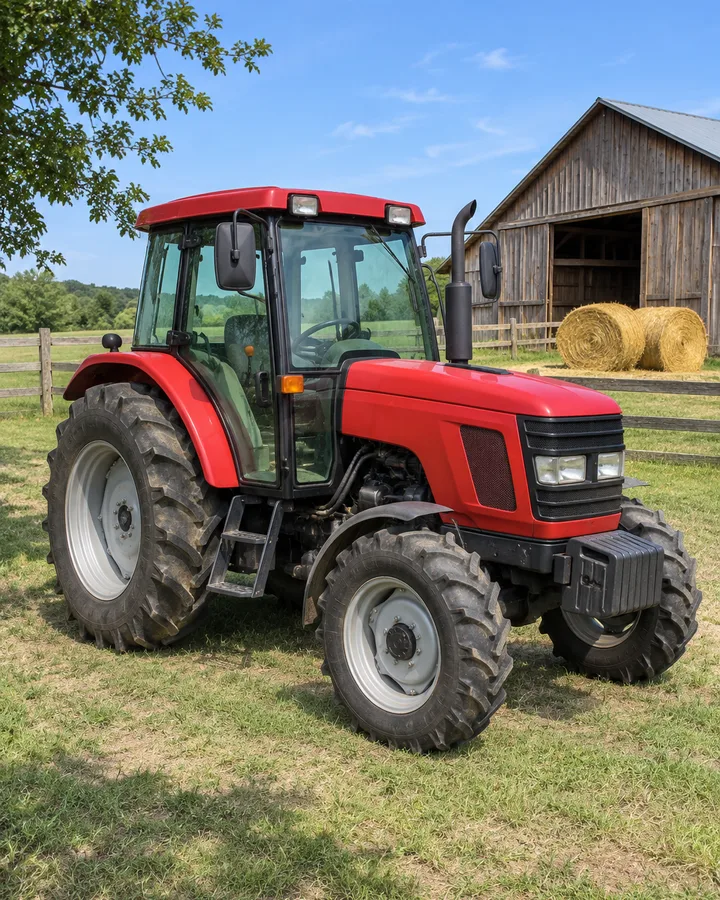
Original
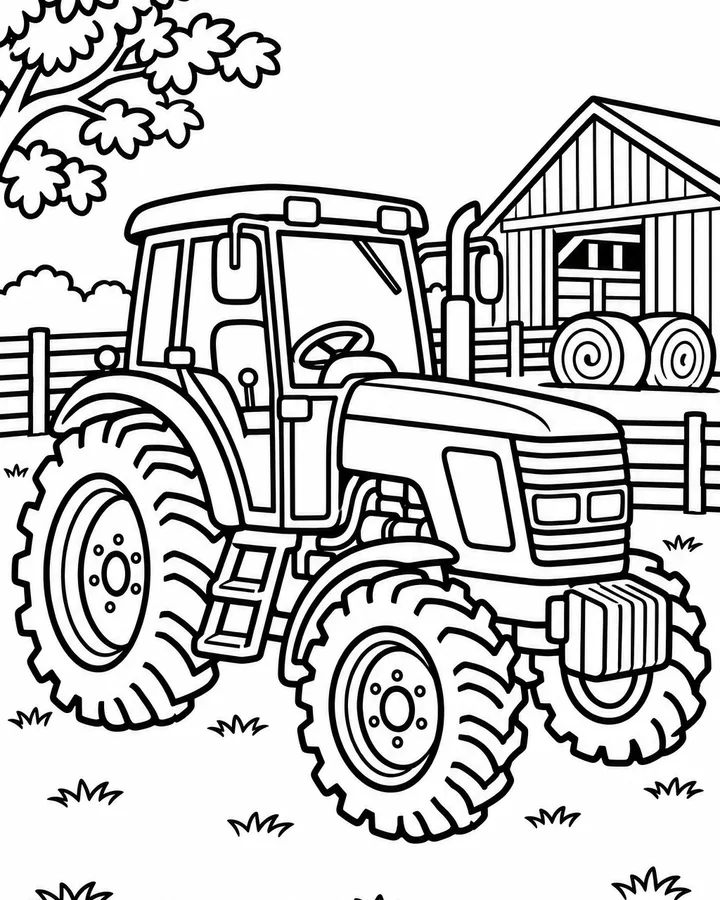
Edited
Prompt to copy
Convert this photo into a printable coloring page. Use bold, clean black outlines on pure white with large closed shapes and no shading, grey fill or text. Keep the main subject, pose and composition recognizable. Simplify small background details.
How to make your own
Pick photos with clear silhouettes
A side-on tractor or a pet against a simple background is an easier starting point than a crowd. Crop out objects you do not want in the line art.
Reuse one outline prompt
Upload photos to the Bulk Image Editor and apply the same line-art brief. Preview both a simple photo and the busiest one in the batch.
Check a full-size print
Look for unclosed shapes, grey fills and contours that merge. Simplify the prompt for busy photos and test print one image before preparing the rest.
What to check in your results
- For younger children, choose large closed shapes and allow more white space around the main subject.
- Keep extra margins if the coloring pages will be trimmed or bound later.
Frequently asked questions
Can I make a set without personal photos?
Yes. The themed coloring page workflow starts with a written theme and generates a set of new illustrations.
What if a busy photo gives me thin or messy lines?
Crop to the main subject and ask for thicker contours and minimal background details. Preview the revised instruction on that photo first.